Chapter 7 Creating Experiments and Workspaces
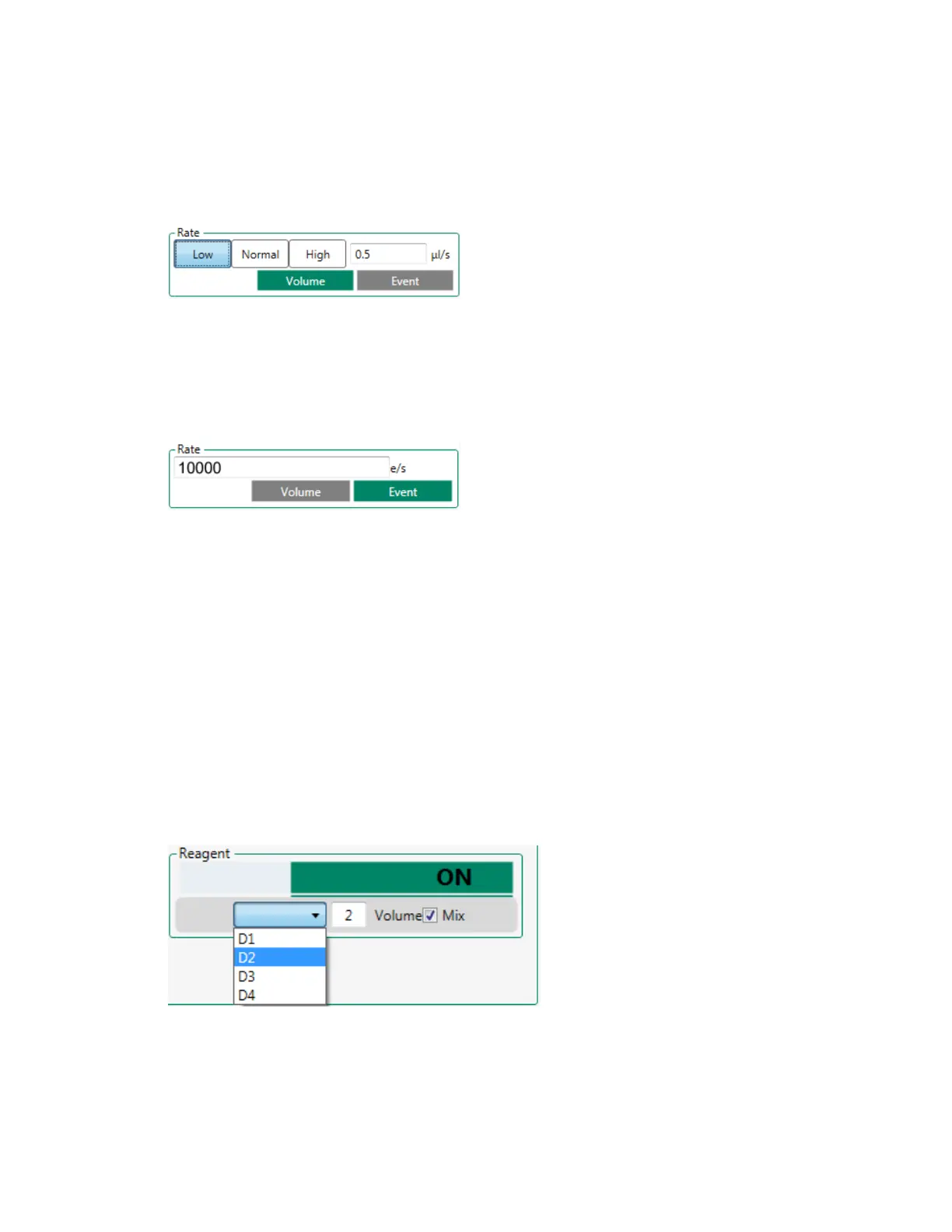
n Manually enter the flow rate into the Rate box.
To specify a target event rate
1. In the plate map, select the relevant positions.
2. In the Rate area, click Event.
3. Enter the target event rate into the Rate box.
Adding Experimental Reagents
For information about experimental reagents, see Reagent Settings on page 197.
To add reagents to samples
1. Ensure that at least one position in the plate map is designated as a Reagent position.
2. Select the sample position to add reagent.
3. Click the Reagent button.
4. Select the position from which to add reagent in the dropdown list.
5. Specify the reagent volume in the Volume box.
6. To mix the reagent by aspirating and dispensing the combined sample and reagent several times,
select the Mix checkbox.
204 | ZE5 Cell Analyzer and Everest Software



 To Next Page