Setting Up the Run List
Reagent is not added to sample in Setup mode. When the run list proceeds to the assigned
position in Acquisition mode, the instrument aspirates the specified volume of reagent from the
reagent position and adds it to the selected position, mixing afterward when Mix is selected.
Positions to which reagent will be added are marked with an image in the plate map. For more
information, see Position Images on page 76.
Plate Map in the Instrument Control Panel
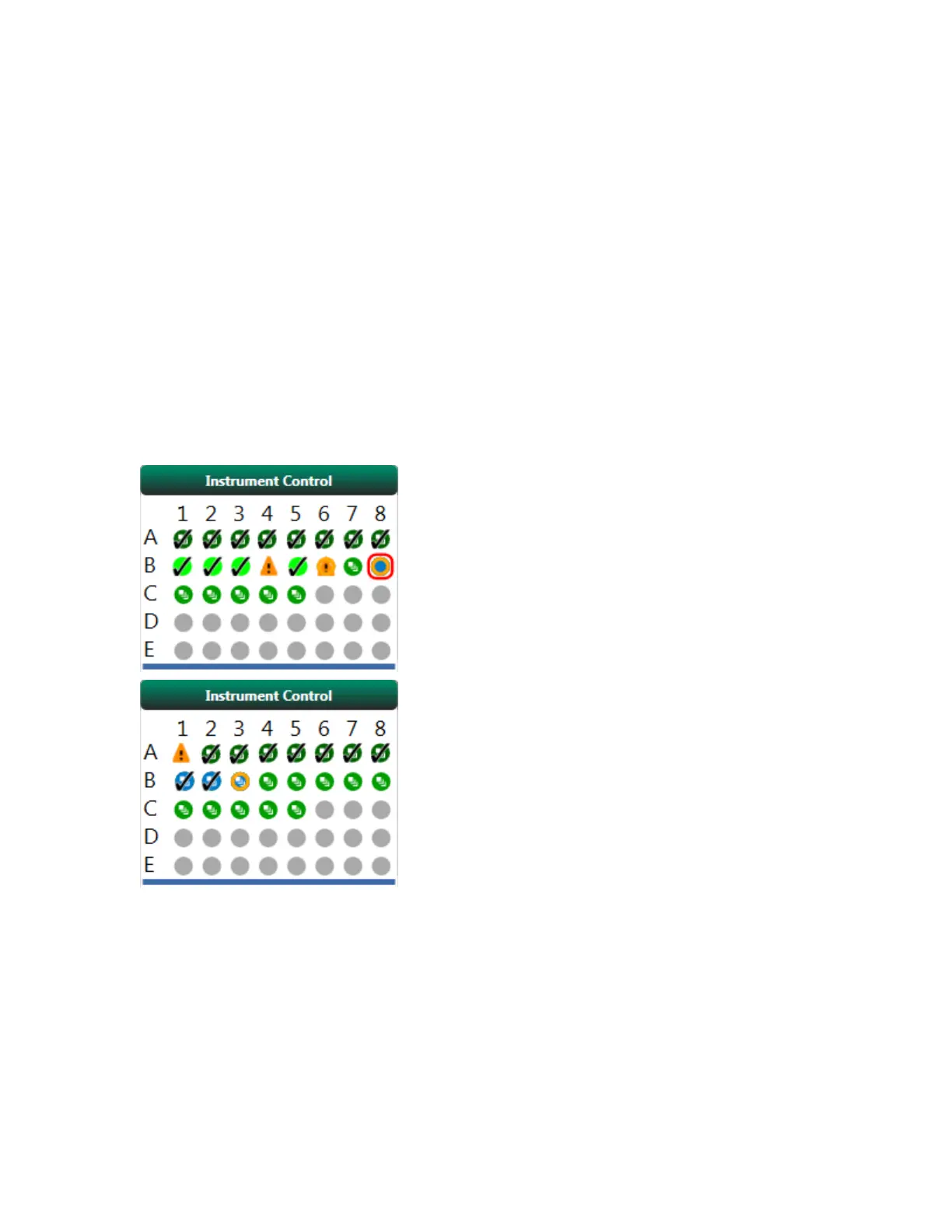
The plate map in the Acquisition workspace displays real-time information on the progress of an
experiment. It shows the total number of samples programmed to be run. If the run has already started,
the plate map indicates the progress of the run by displaying different colors and symbols for each
well position. The next three figures show plate maps for high-throughput, hit detection, and standard
(single-sample) mode, respectively.
User Guide | 205



 To Next Page