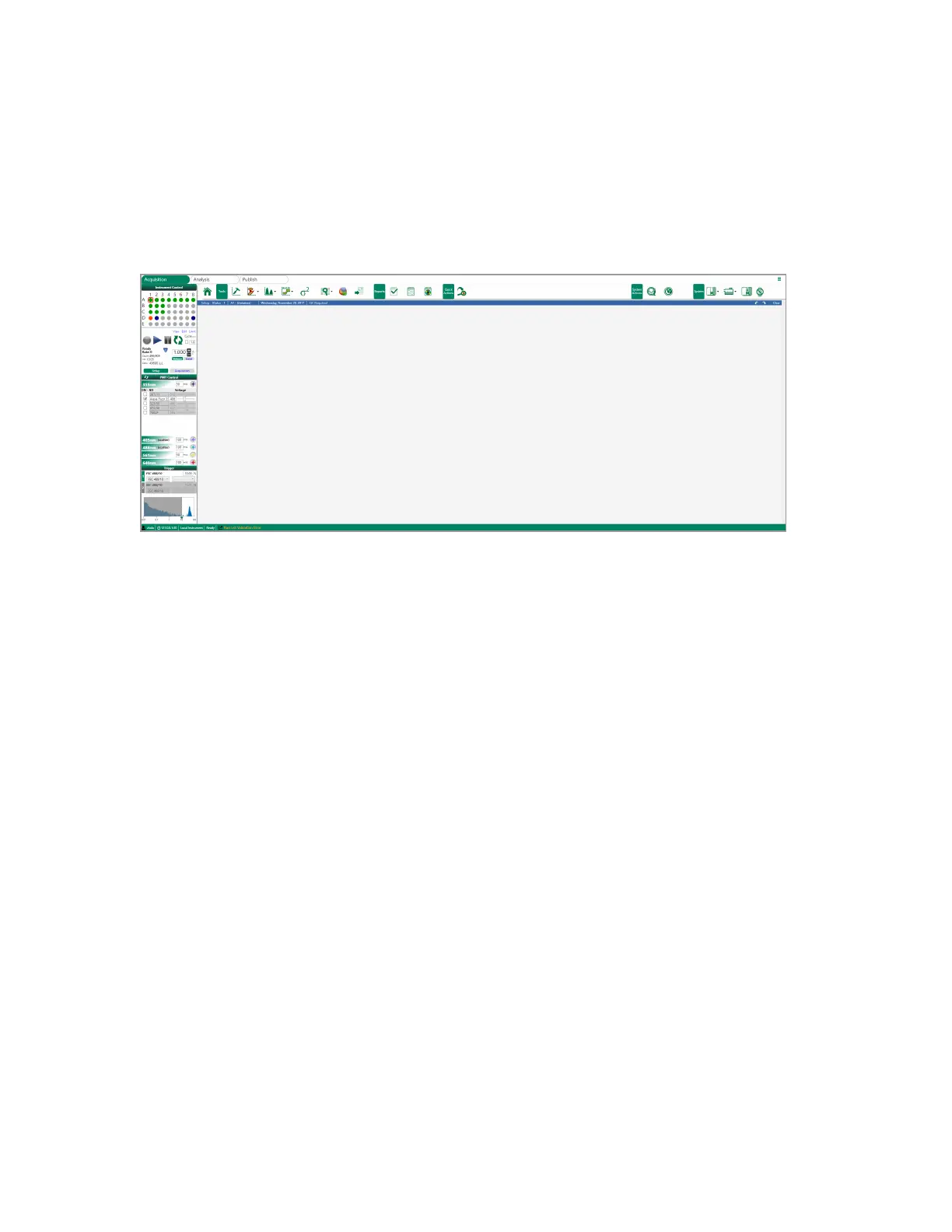
Acquisition Workspace
Acquisition Workspace
After applying an experiment, the Acquisition workspace appears.
At the top of this workspace there are three tabs:
n Acquisition — allows you to create experiments and run samples on the instrument.
n Analysis — allows you to load saved experiments and associated FCS files for data analysis. For
more information, see Chapter 10, Analyzing, Saving, and Printing Data.
n Publish — provides tools for printing reports. Allows you to arrange plots so that you can export
them to PDF or other applications such as PowerPoint. For more information, see Chapter 10,
Analyzing, Saving, and Printing Data.
Instrument Control Panel
The Instrument Control panel, located on the left side of the Acquisition workspace, displays sampling
controls for setup and Acquisition modes. The Instrument control panel contains the majority of
controls and monitoring functions needed to operate the ZE5 Cell Analyzer system and run samples.
User Guide | 89



 To Next Page