Chapter 5 Configuring the System
Managing User Accounts
As an administrator, you can deactivate any user who no longer works with Everest Software, and you
can change a user's access rights.
To manage user accounts
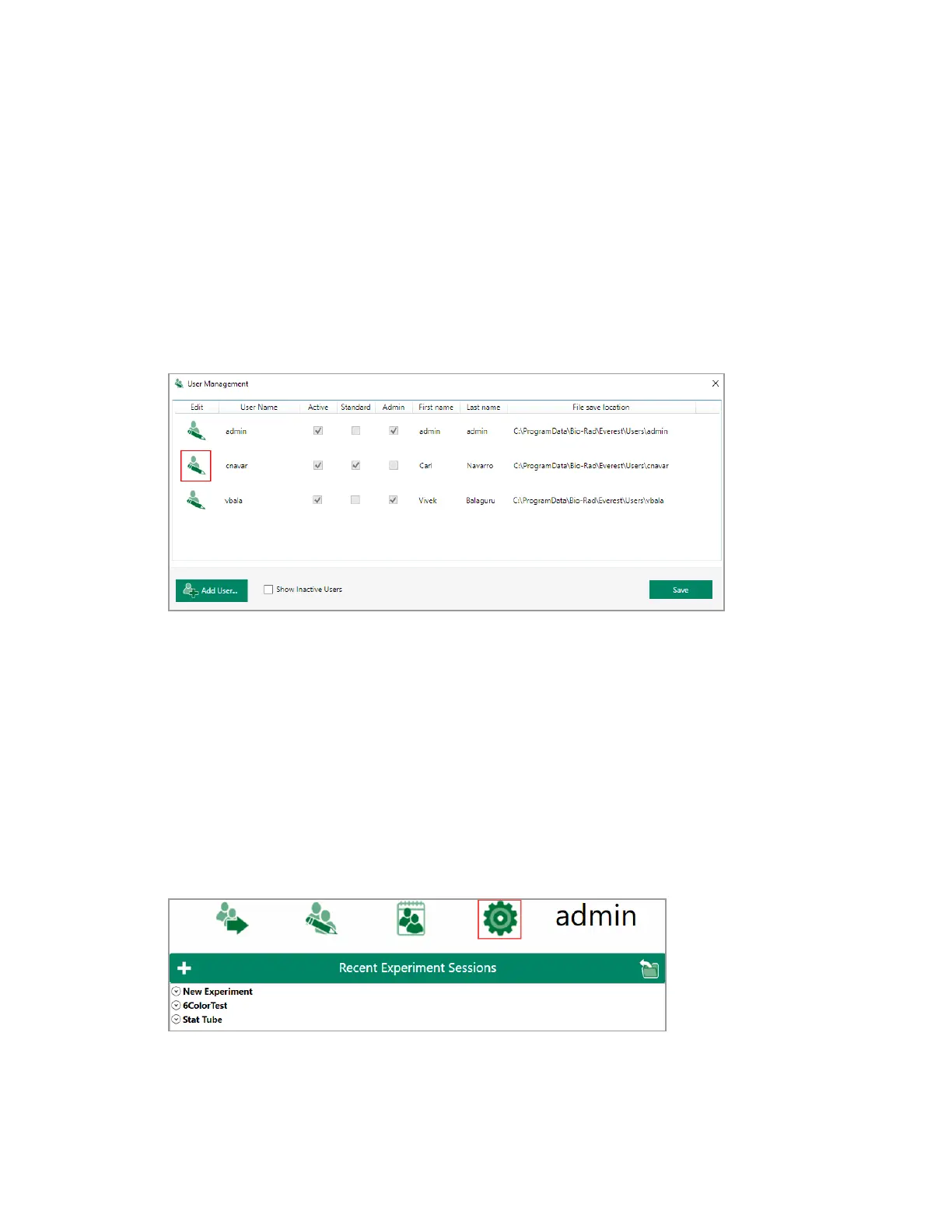
1. In the User Management dialog box, select or clear the Active checkbox in a user row to activate
or deactivate a user, respectively.
2. To change system access rights for a user, select Standard or Admin.
3. Select Show inactive users to view inactive user accounts; clear it to hide inactive user accounts.
4. Click Save.
Setting Global Preferences
Administrators can set global preferences for the ZE5 Cell Analyzer and Everest Software. The Global
Preferences button is available in the Home window to users with an Admin account.
To access global preferences
u In the Home window, click Global Preferences.
110 | ZE5 Cell Analyzer and Everest Software



 To Next Page