Chapter 10 Analyzing, Saving, and Printing Data
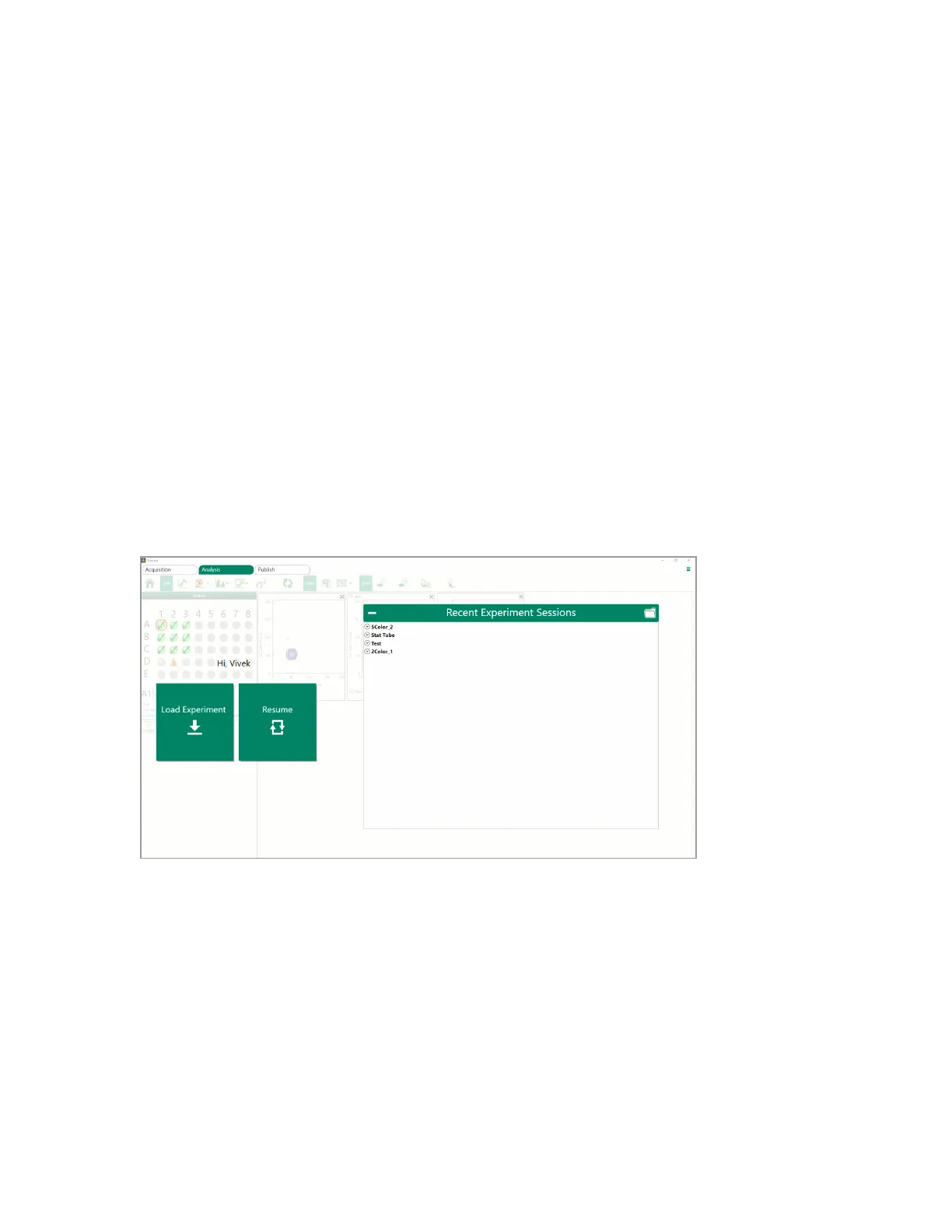
n If the experiment session that you want to analyze is not in the list of recently displayed items:
a. Click Load Experiment.
b. Browse to find the experiment that you want to analyze.
c. Select the desired session and click OK.
The experiment session opens in the Analysis tab workspace.
Note: For either method, the data (FCS) files are stored separately from the RLST file, so
those must be present within the folder as well.
4. Click a sample position in the plate map to view data specific to that sample.
Resuming Experiment Analysis
During analysis, you can click Home to return to the Analysis start window. From here, you can either
click Resume to resume analysis of the previous experiment or click Load Experiment to load a
different experiment for analysis.
304 | ZE5 Cell Analyzer and Everest Software



 To Next Page