Chapter 5 Configuring the System
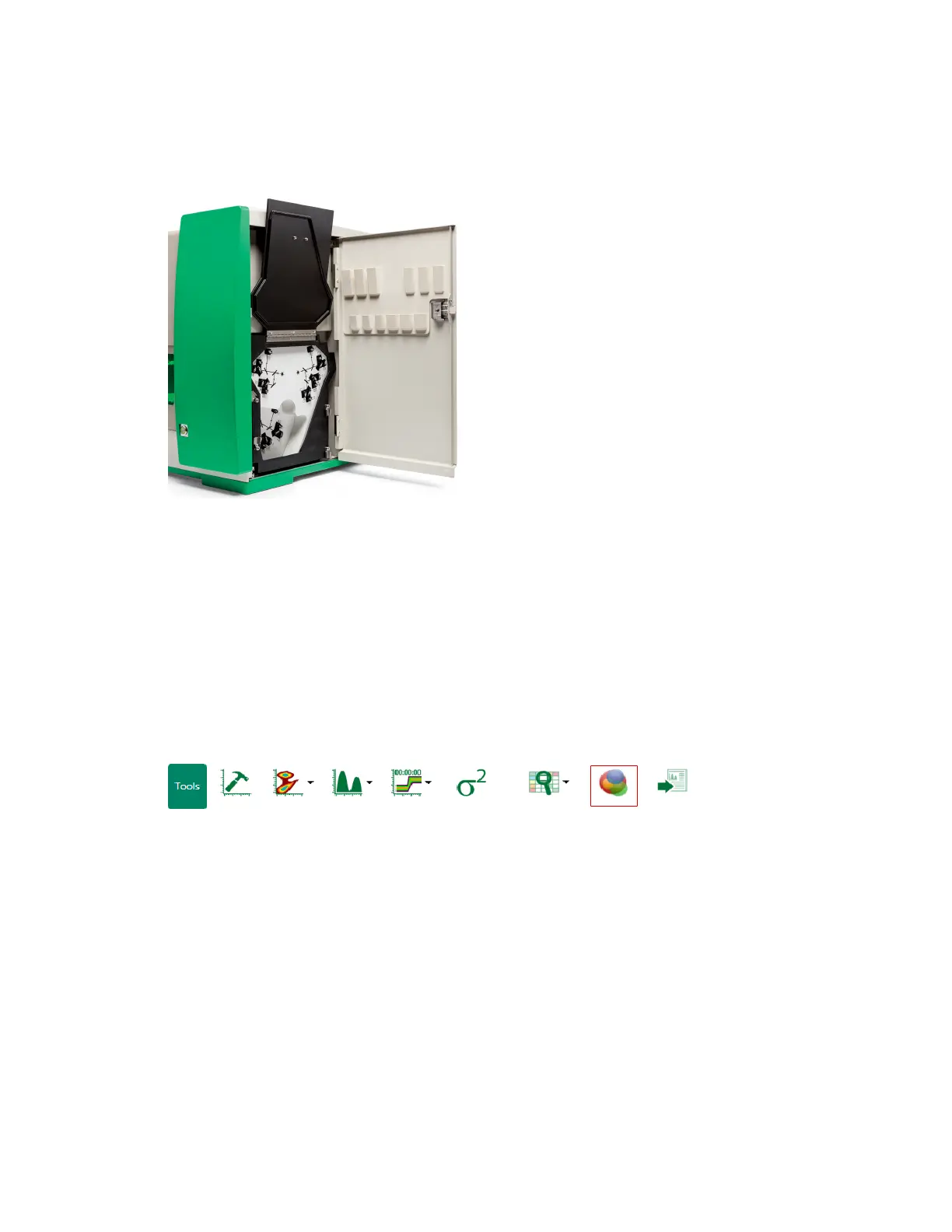
5. Lower the black optical filter cover.
6. Close the outer optical filter access door.
Editing the Optical Filter Configuration
If you make any changes to the physical optical filters, an administrator can use Everest Software to
reflect these changes in the optical filter configuration. Any changes made to the software
configuration will be automatically saved for the current application session.
To view and edit the optical filter configuration
1. Click Display Optical Filter Configuration in the toolbar.
The Filter Configuration dialog box opens.
132 | ZE5 Cell Analyzer and Everest Software



 To Next Page