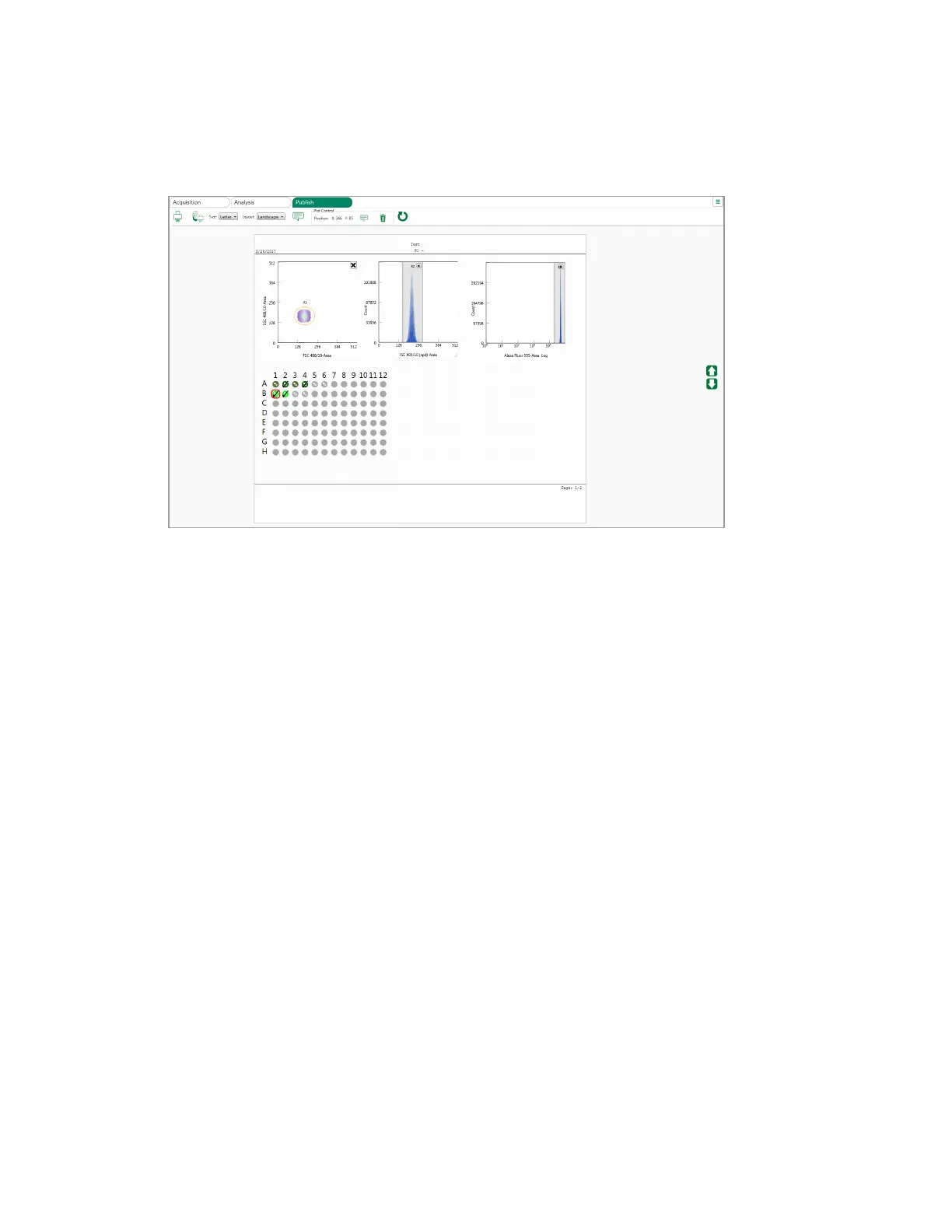
Publishing Data
To delete a plot
u Do one of the following:
n Click the X in the upper right corner of the plot.
n Click the plot, then click Delete selected plot in the Plot Control section of the Publish toolbar.
Printing a Report for the Selected Position
You can either send a report for one position directly to a printer, or save it as a PDF for later printing
or viewing.
To print a report for one position
1. Select the position in the plate map of the Publish tab.
2. In the Publish toolbar, click Print.
3. Do one of the following:
n To send the report to a printer:
a. Select a printer on your network.
b. Click Print.
n To generate a PDF for the report:
a. Select Adobe PDF.
User Guide | 311



 To Next Page