Chapter 5 Configuring the System
Editing User Information
After a user has been created, you can edit details such as password, email address, default file
directory, and user rights.
To edit user information
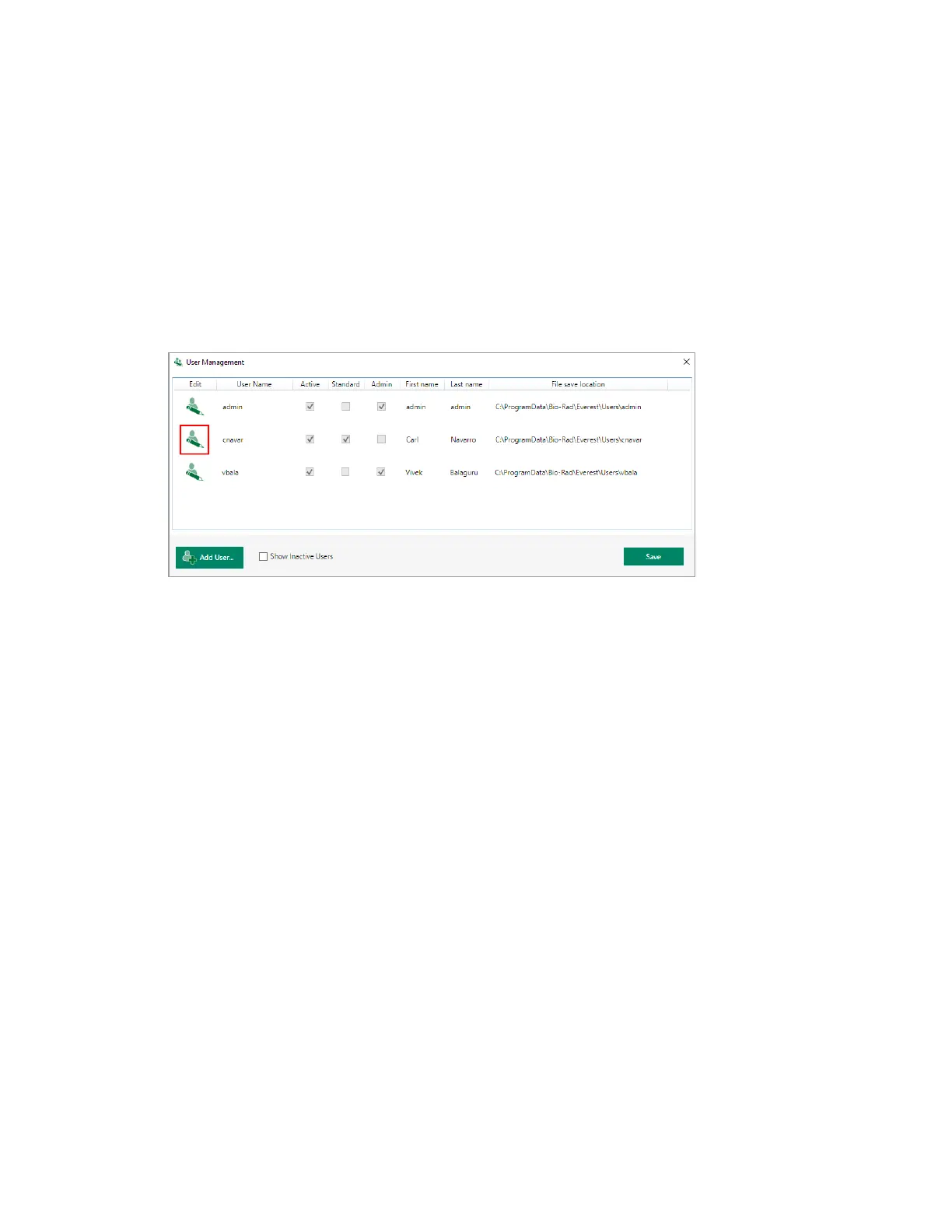
1. In the User Management dialog box, click the pencil button for the user.
The Edit user dialog box opens.
108 | ZE5 Cell Analyzer and Everest Software



 To Next Page