Working with Optical Filter Configurations
Using the ZE5-EYE to Confirm Filter Choices
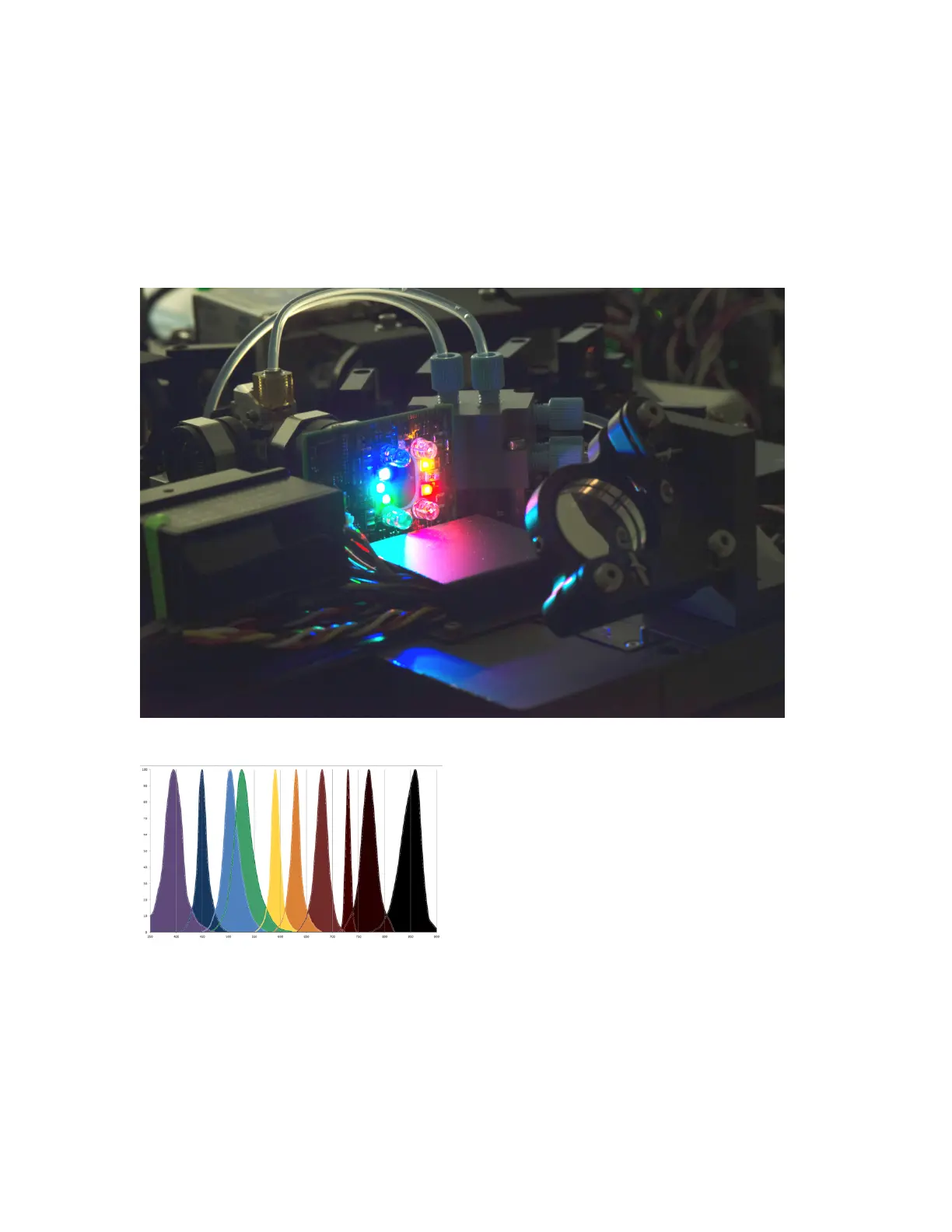
The ZE5-EYE, shown in the next figure, uses multiple LEDs to pulse ten different wavelengths of light
through the instrument’s optical detection paths.
The next figure shows a graph of these light wavelengths.
The ZE5-EYE runs automatically
n As part of the Startup and QC processes
n When the optical filter access door is opened for at least 5 sec and then closed
User Guide | 135



 To Next Page