Chapter 7 Creating Experiments and Workspaces
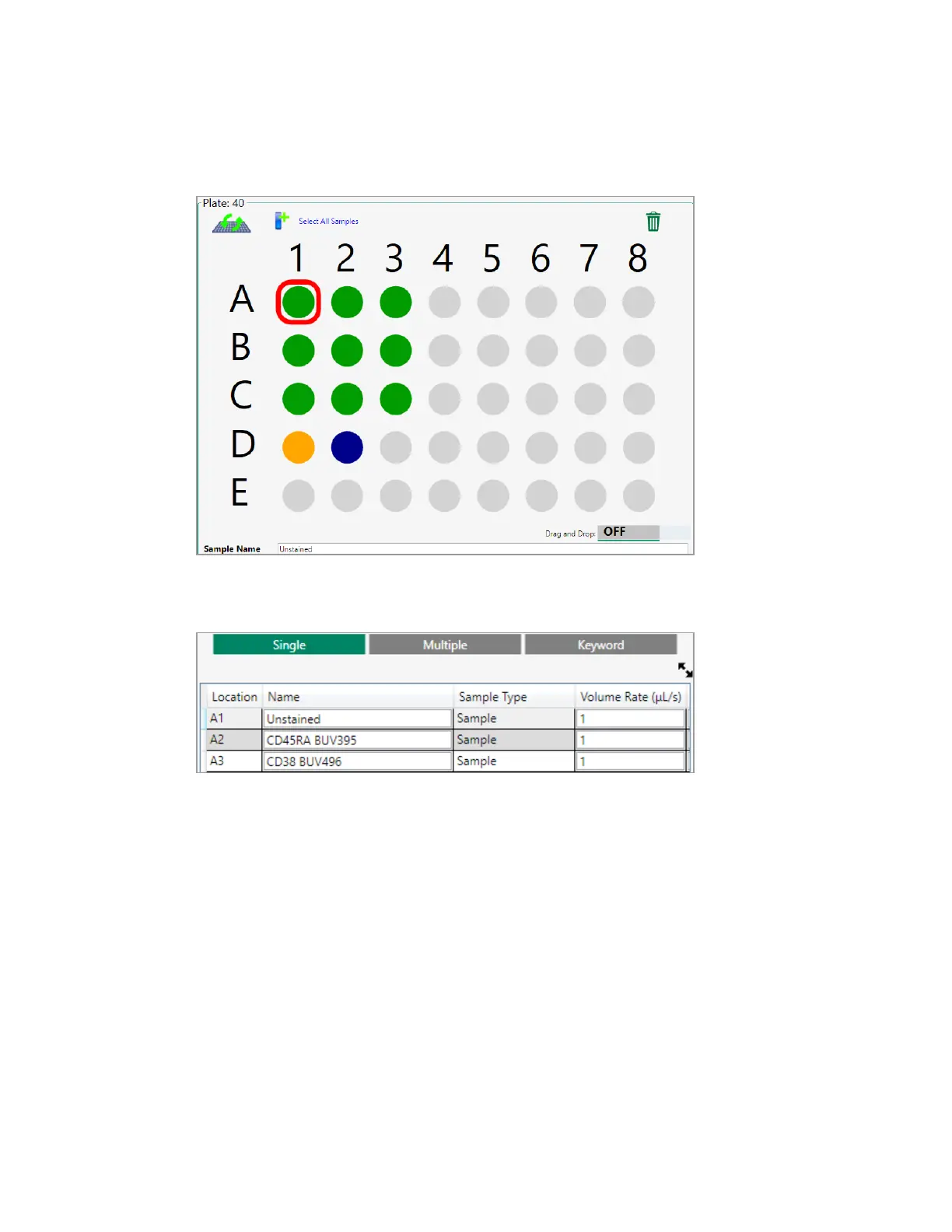
n Type a name for the selected location in the Single tab on the Sample Naming screen.
Tip: Press Enter to move to the next row.
Labeling Positions Automatically
The Multiple tab in the Sample Naming panel allows you to label multiple positions at the same time
using naming components. You can label several positions with the same naming components, or the
whole plate. As with single naming, the names are written to the FCS file associated with each
position. For information about the Sample Naming panel, see Sample Naming Panel on page 78.
Tip: You can also label multiple positions at one time by importing the names from a spreadsheet.
For more information, see Importing Names from a Spreadsheet on page 187.
To name positions automatically
1. In the plate map, select the positions to label.
184 | ZE5 Cell Analyzer and Everest Software



 To Next Page