Chapter 4 Everest Software
Sample Naming Panel
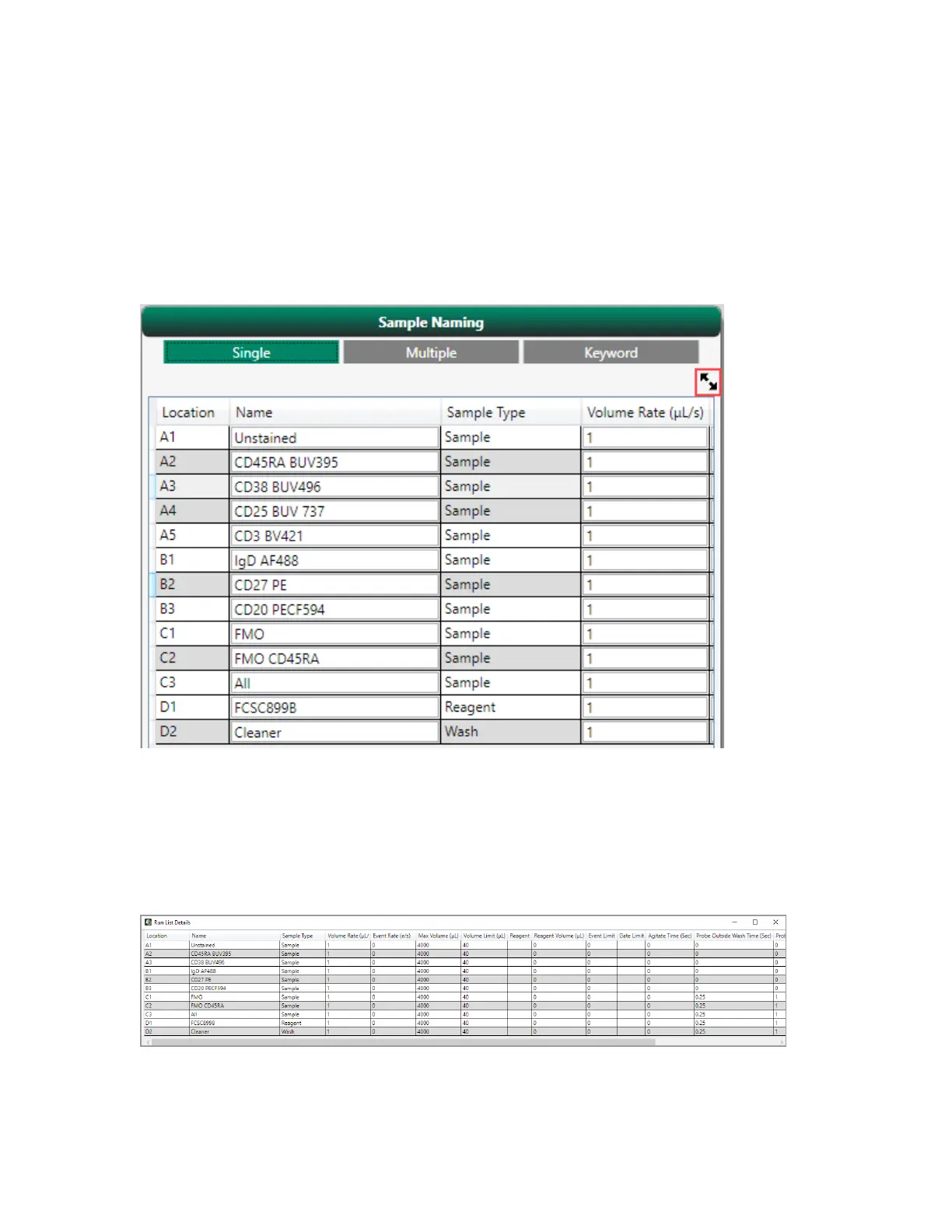
The panel on the right side of the Samples screen summarizes the run list created for the experiment.
The collapsed view displays the name, sample type and volume rate of sample at each location on the
plate.
You can expand the run list using the arrow button in the upper right corner.
In addition to Location, Name, and Sample Type, the expanded run list shows the following
information for each position: (target) Flow Rate, (target) Event Rate, Max Volume for the media type,
sample Volume Limit, Event Limit, Agitation Time, (added) Reagent Position, Reagent Volume, Probe
Wash Times (outside and inside), Acquisition mode (High Throughput versus Standard), Return
Sample, and gate limit (if one is set).
78 | ZE5 Cell Analyzer and Everest Software



 To Next Page