Experiment Builder
Samples Screen
After you select the fluorophores and click the Next arrow, the Samples screen guides you through
selecting sample input settings.
Item Function
Cancels setup of this experiment. Returns you to the Home window, where you
can start a new experiment.
Returns to the previous (Fluorophores) screen.
Moves to the next (Settings) screen.
Table 16. Samples screen items and their functions
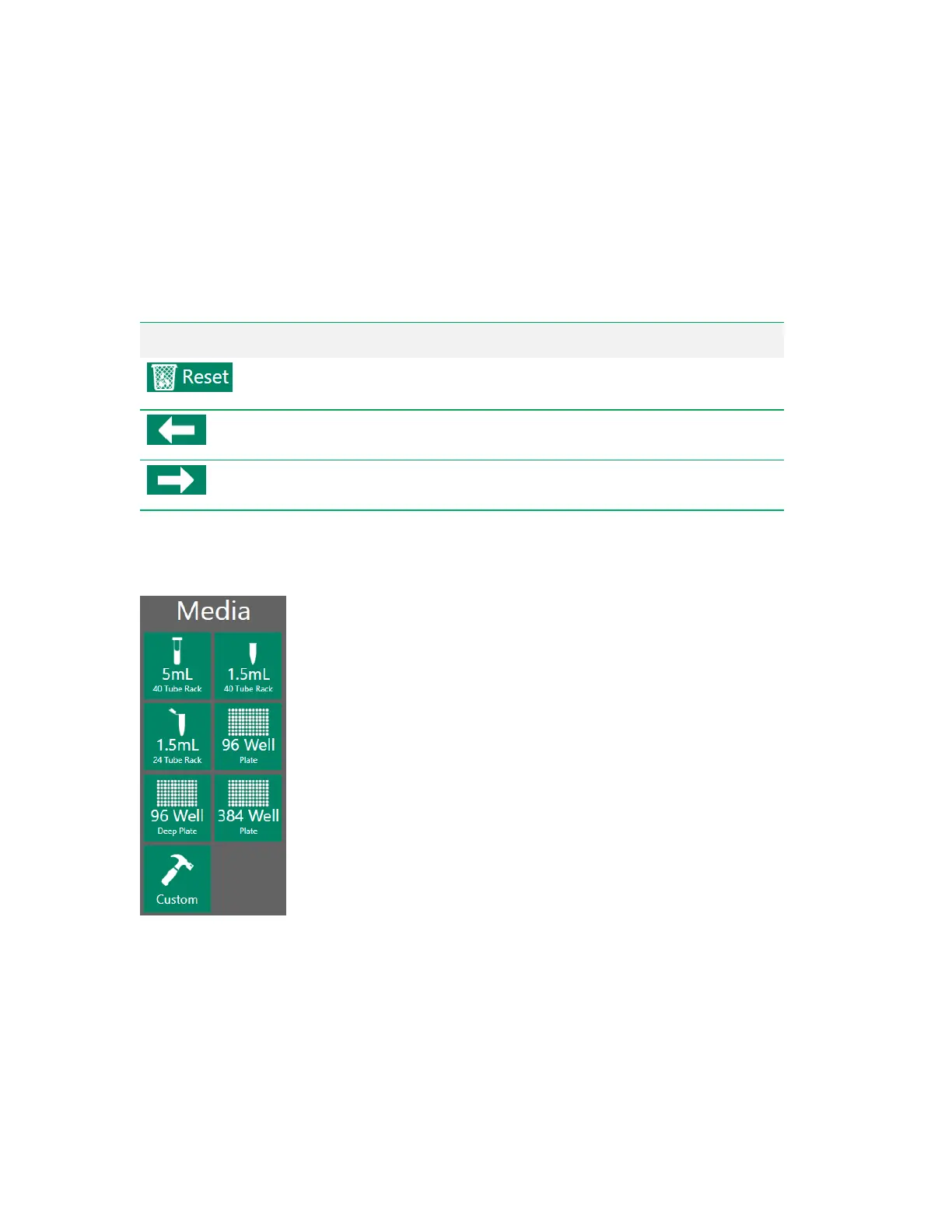
Media Selector
Before you can set up the sample positions, you must select the type of media to contain the samples.
User Guide | 69



 To Next Page