Chapter 4 Everest Software
Button Function Button Function
Rack of up to 40 12 x 75 mm 5 ml
tubes in the ZE5 40-tube rack
1.5 ml tubes (rack of up to 40 tubes)
1.5 ml tubes (rack of up to 24 tubes) 96-well plate
96-deep well plate 384-well plate
Configure a custom device from
which sample can be acquired; can
also be used to calibrate a standard
plate
Table 17. Media selector buttons and their functions
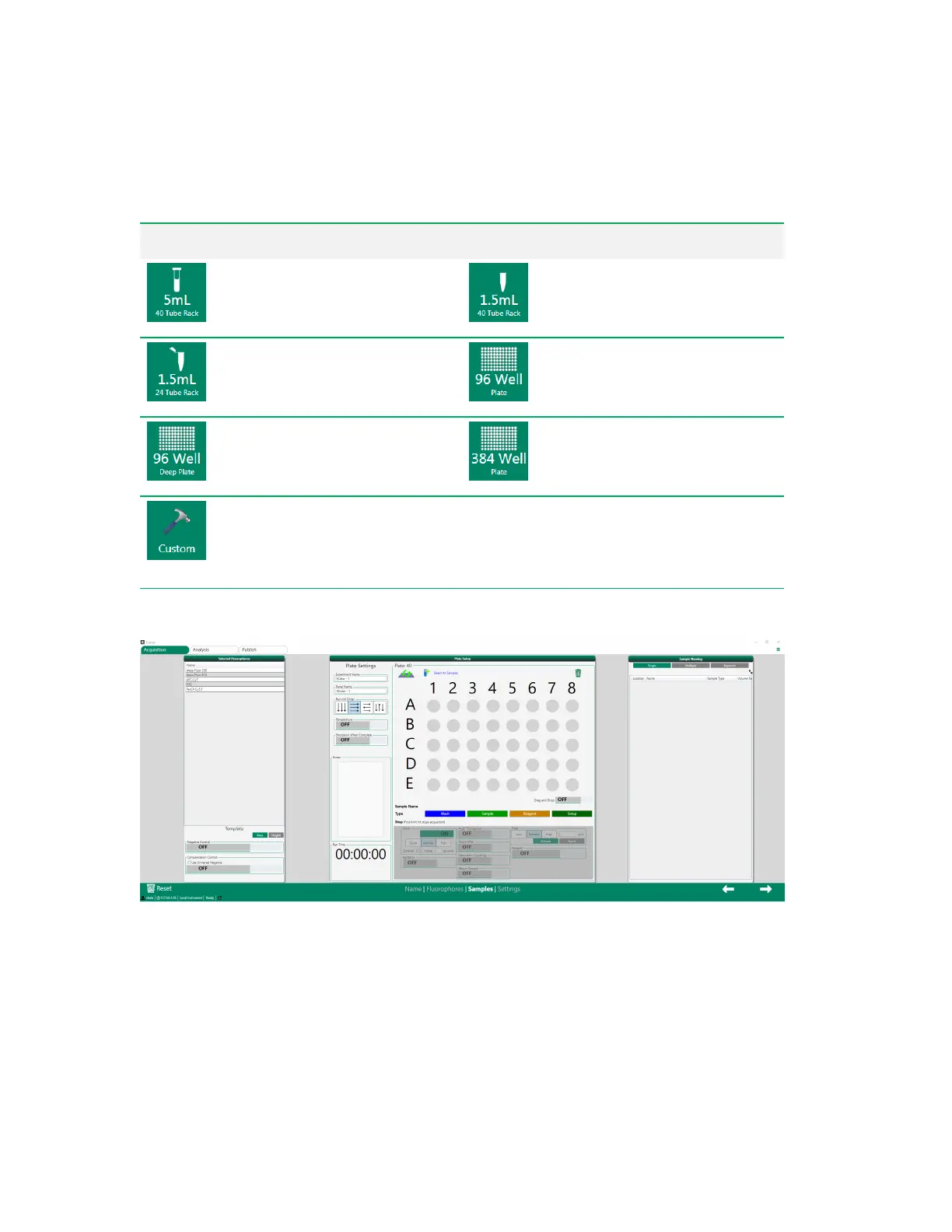
After you select the media type, the full Samples screen appears.
The Samples screen contains three panels:
n Selected Fluorophores
n Plate Setup
n Sample Naming
70 | ZE5 Cell Analyzer and Everest Software



 To Next Page