Chapter 8 Acquiring Samples
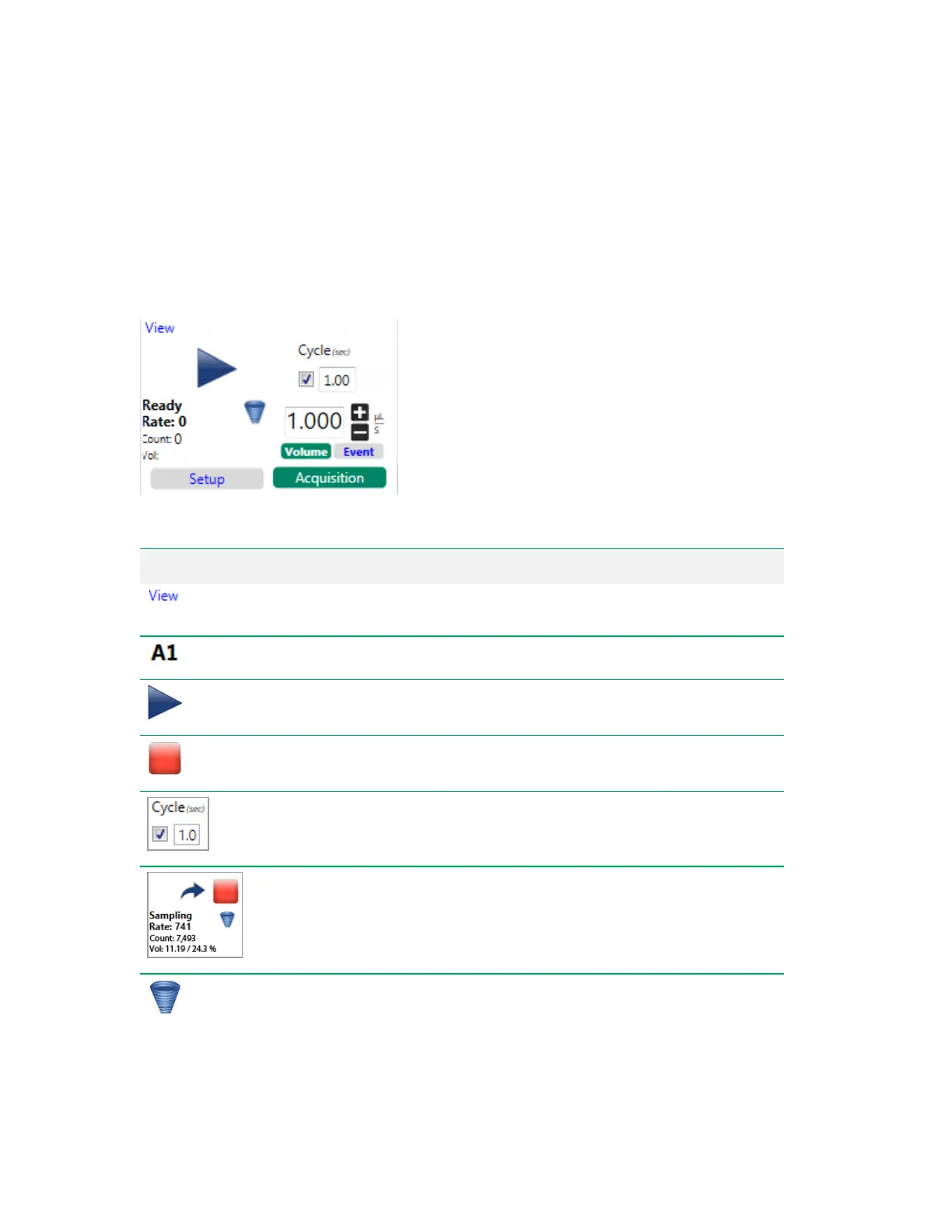
Acquisition Mode Controls
Use Acquisition mode after establishing settings in Setup mode. This automatically completes the run
as defined in the Experiment Builder.
Note: Acquisition mode does not apply to single stat tubes.
Item Function
View Run List
— expands the run list to display settings for the current
experiment.
Sample Position
— during acquisition, the position currently being acquired.
(Start) Run List
— initiates the experiment as defined in the Experiment
Builder.
(Stop) Run List
— stops the experiment that is currently in progress.
Cycle Mode
— when activated, plots display only a certain number of events,
based on time period specified in this box. After the interval is reached, data are
cleared from the plots and newly acquired events appear.
Event Rate and Volume
— during sampling, displays the triggered event
rate, the event count, and the volume that has been acquired from the sample
during the current run, along with the percentage of target volume acquired.
Agitate
— allows you to apply agitation to a sample that has been sitting for an
extended period. Click to turn on agitation at the default speed for the media
type. Click again to turn off agitation.
Table 40. Acquisition Mode Control Items
282 | ZE5 Cell Analyzer and Everest Software



 To Next Page