Chapter 7 Creating Experiments and Workspaces
Exporting Plots and Histograms
You can export any plot or histogram as a PNG file.
To export a plot as a graphic
1. Point to the plot or histogram that you want to export.
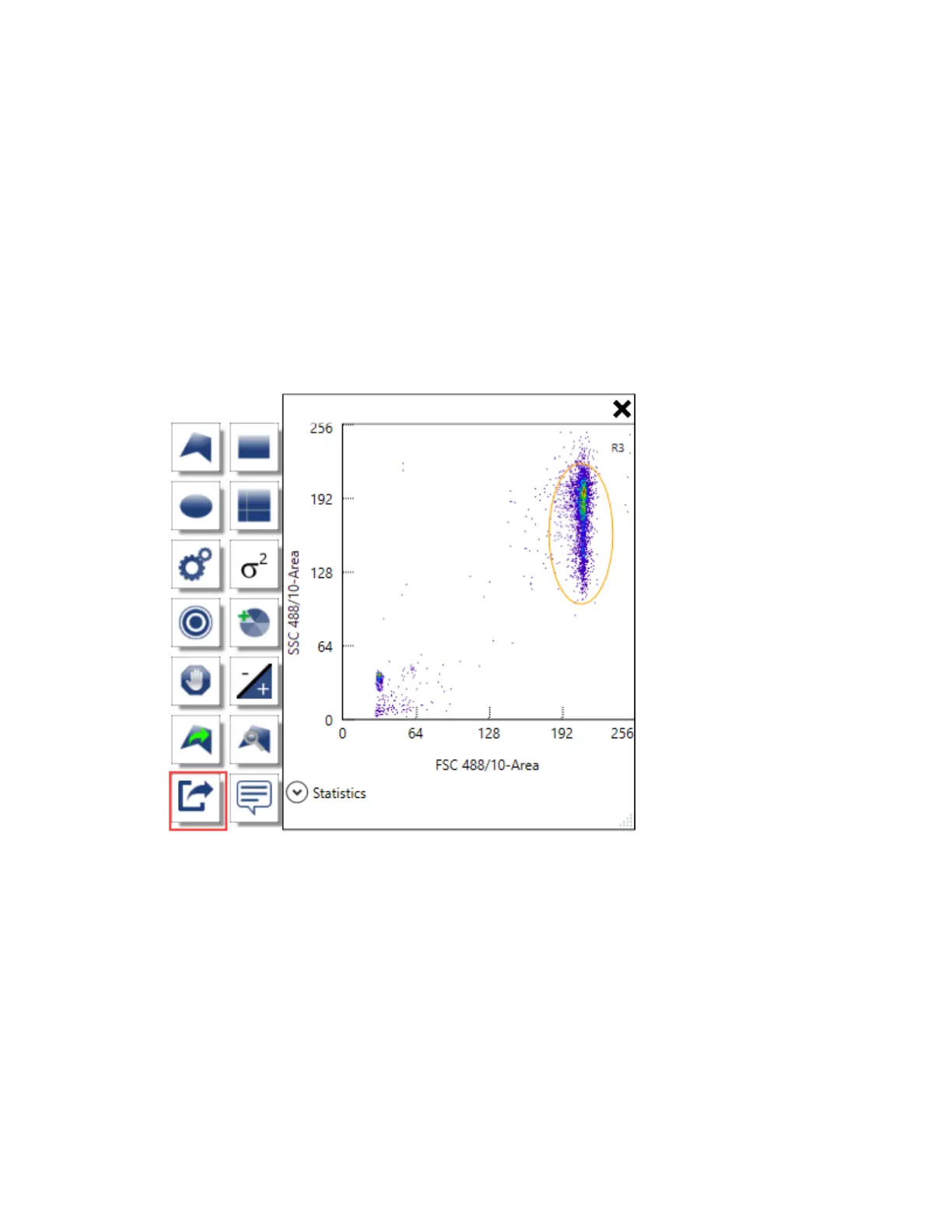
The plot and histogram toolbar appears.
2. Click Export to PNG.
3. In the Save As dialog box, browse to a location in which to save the file.
4. Type a name for the file and click Save.
The plot or histogram is exported as a PNG file.
256 | ZE5 Cell Analyzer and Everest Software



 To Next Page