Chapter 4 Everest Software
Login Window
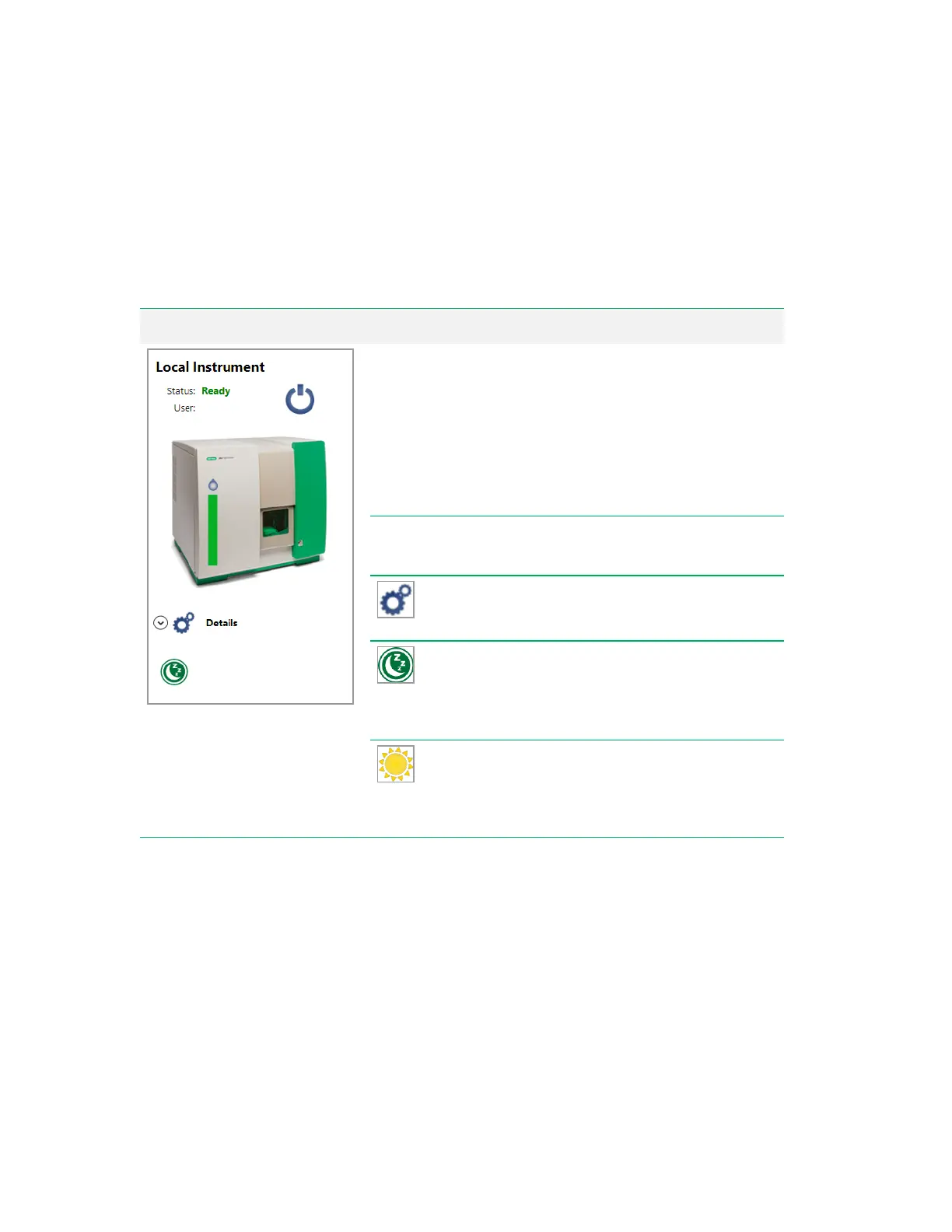
The login window is divided into two halves: Instrument Status and User Login.
Instrument Status panel Item Function
Status
Displays the state of the instrument.
n Off (Shutdown)
n Starting Up
n Ready
n Paused
n Cleaning Probe
n Shutting Down
User
If the system is running samples for a user,
displays the logged-in user’s name.
Details
— displays fluidics and system status, as
well as software and firmware version information.
Shutdown
— displayed if the system has been
started up. The instrument can be shut down
without user login as long as samples are not
actively running. See Shutting Down on page 161.
Startup
— displayed if the system has not yet
been started up. The instrument can be started up
without user login. See Starting Up the System on
page 152.
Table 6. Instrument status items and their functions
56 | ZE5 Cell Analyzer and Everest Software



 To Next Page