Running or Saving the Experiment
Running or Saving the Experiment
After configuring the workspace and initial instrument settings in the Settings screen of the Experiment
Builder, you are ready to acquire your samples, as explained in Chapter 8, Acquiring Samples.
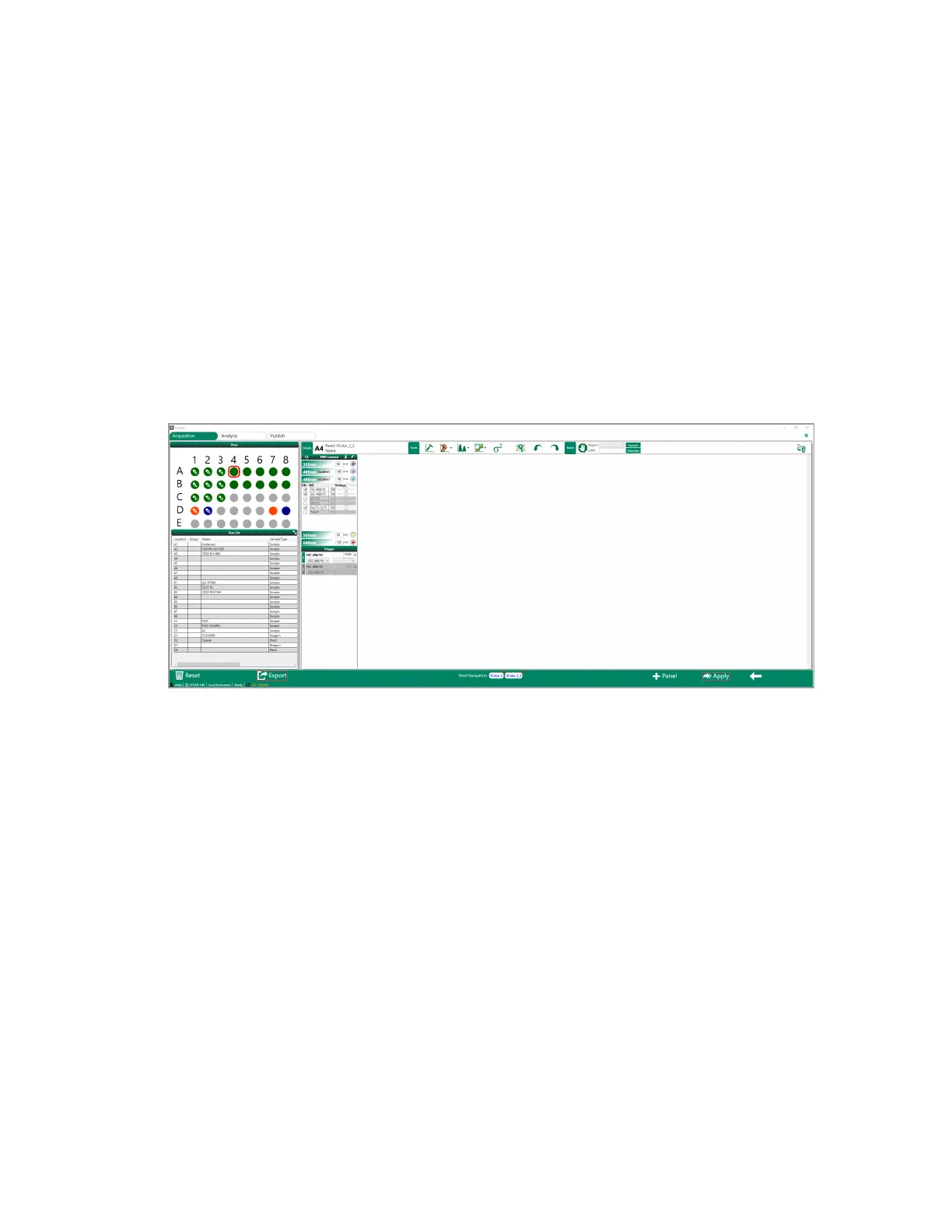
To run or save the experiment
u Do one of the following:
n To load the completed run list, click Apply.
n To save the run list for future use, click Export.
User Guide | 265



 To Next Page