Experiment Builder
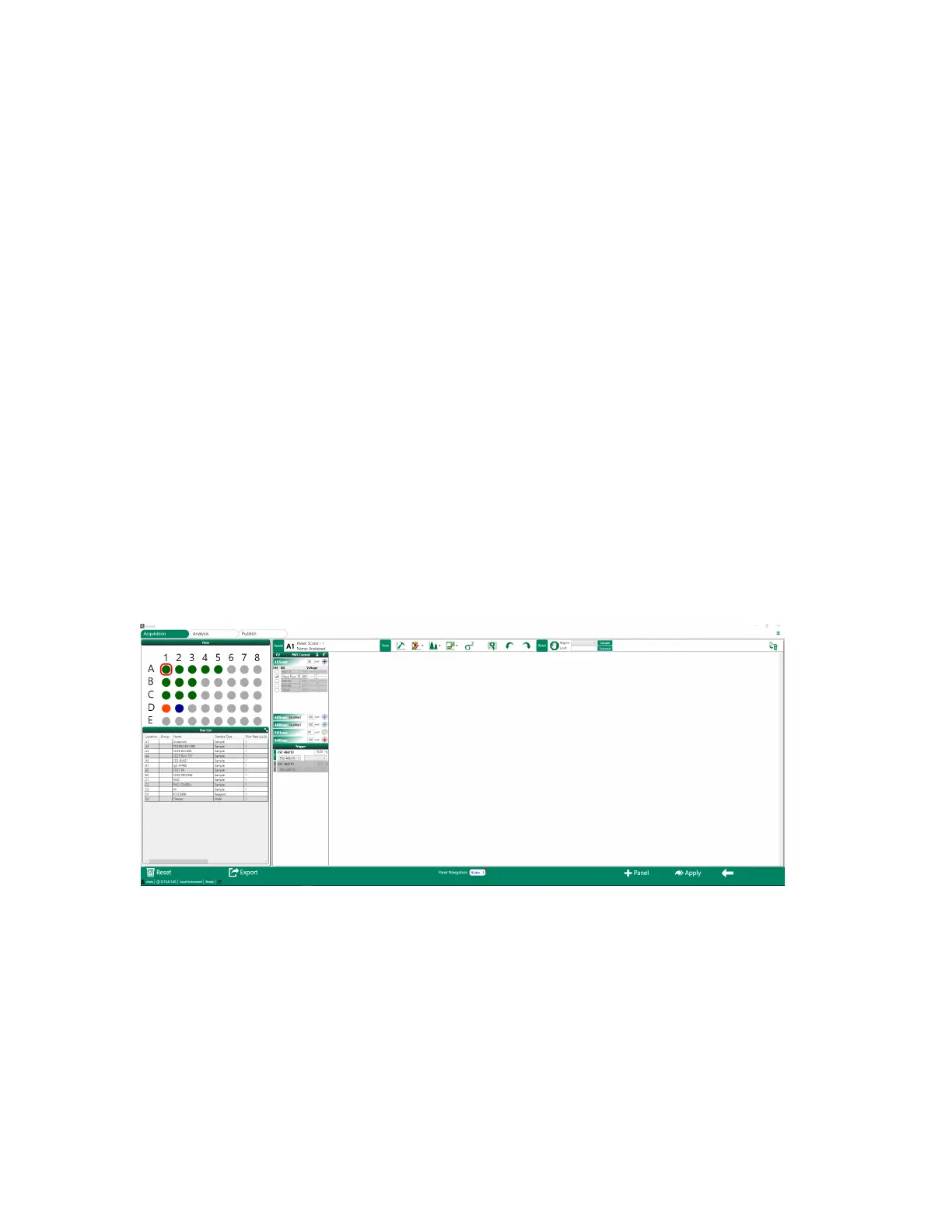
Settings Screen
After you have configured your sample and controls in the Samples screen, you can configure other
aspects of your experiment in the Settings screen.
In the Settings screen you can
n Create plots, regions, and gates for data collection and analysis
For information about creating plots, see Creating Plots and Histograms on page 209. For
information on adding regions and gates and using other plot tools for data collection and
analysis, see Using Plot and Histogram Tools on page 217.
n Set initial PMT voltages, if known from a previous experiment or specifically for this particular
sample type
For information about setting PMT voltages, see PMT Control Panel on page 85 and Configuring
Instrument Settings on page 257.
n Configure initial trigger and threshold values, if known from a previous experiment or specifically
for this particular sample type
For information about configuring trigger and threshold values, see Configuring Instrument
Settings on page 257.
The Plate and Run List panes are similar to those that were set up in the Samples screen. These
panes summarize the experiment in graphical and tabular format.
User Guide | 83



 To Next Page