Chapter 4 Everest Software
Item Function
Returns to the previous (Samples) screen.
Allows you to configure multiple experiments on the same plate.
Applies the run list to the Acquisition workspace so that it can be run.
Exports the run list so that the experiment can be run at a later time.
Cancels setup of this experiment and returns you to the Home window, where
you can start a new experiment.
Table 22. Settings screen items and their functions
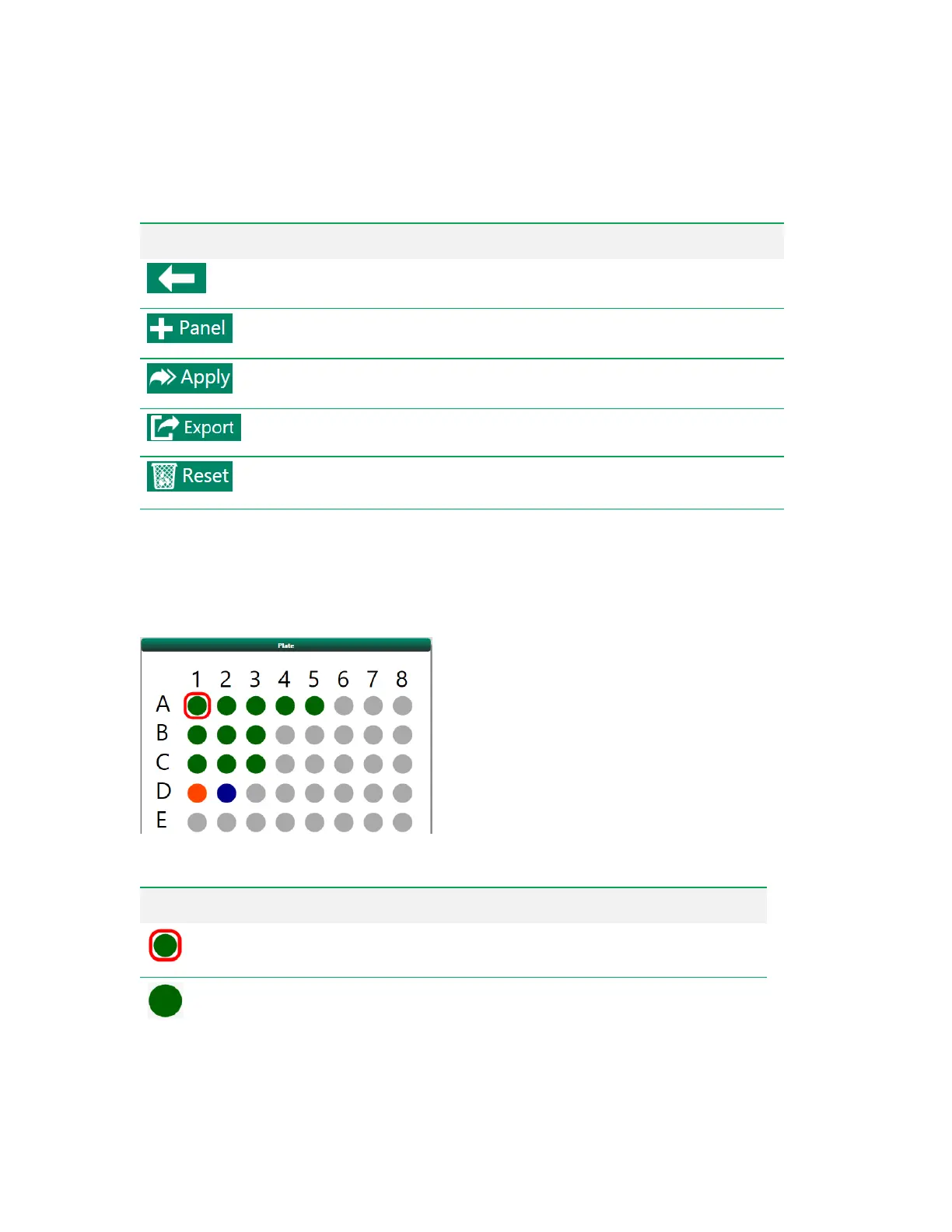
Plate Map
The plate map in the Settings screen displays the layout of the plate before the run list has been
applied to the Acquisition workspace. The plate map in the Settings workspace displays different
colors and symbols for each well position.
Symbol Description
Selected position
Setup position
Table 23. Plate map symbols
84 | ZE5 Cell Analyzer and Everest Software



 To Next Page