Setting Up the Run List
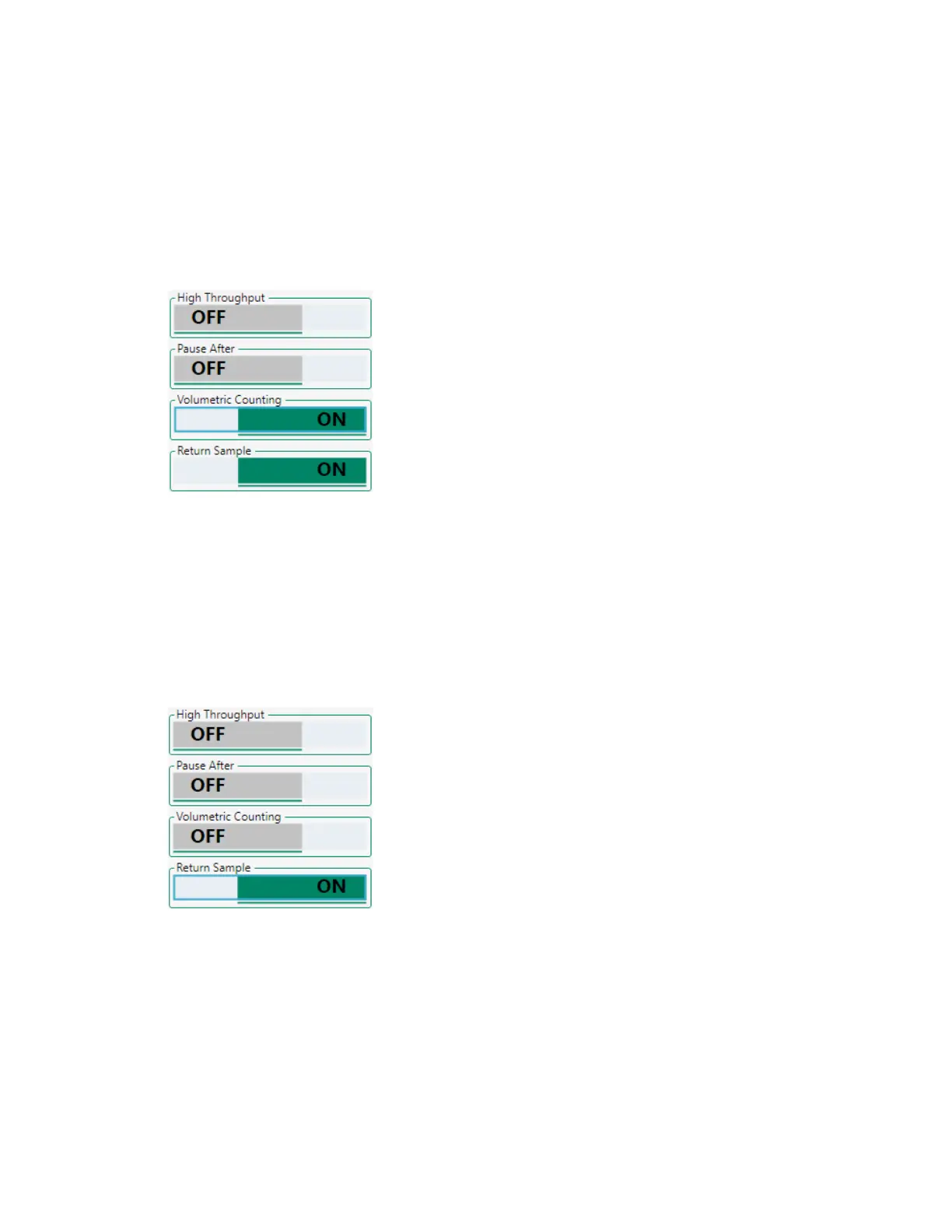
To set volumetric counting
1. In the plate map, select the relevant positions.
2. Click the Volumetric Counting button.
Returning Sample to a Tube or Well
If high-throughput mode has not been activated, you can use the Return Sample function to conserve
sample.
To return sample
1. In the plate map, select the relevant positions.
2. Click the Return Sample button.
After the acquisition limit has been reached for the assigned positions, the sample pump runs
backwards to return any unused sample to its tube or well.
User Guide | 201



 To Next Page