Chapter 11 Reports
Generating User Reports
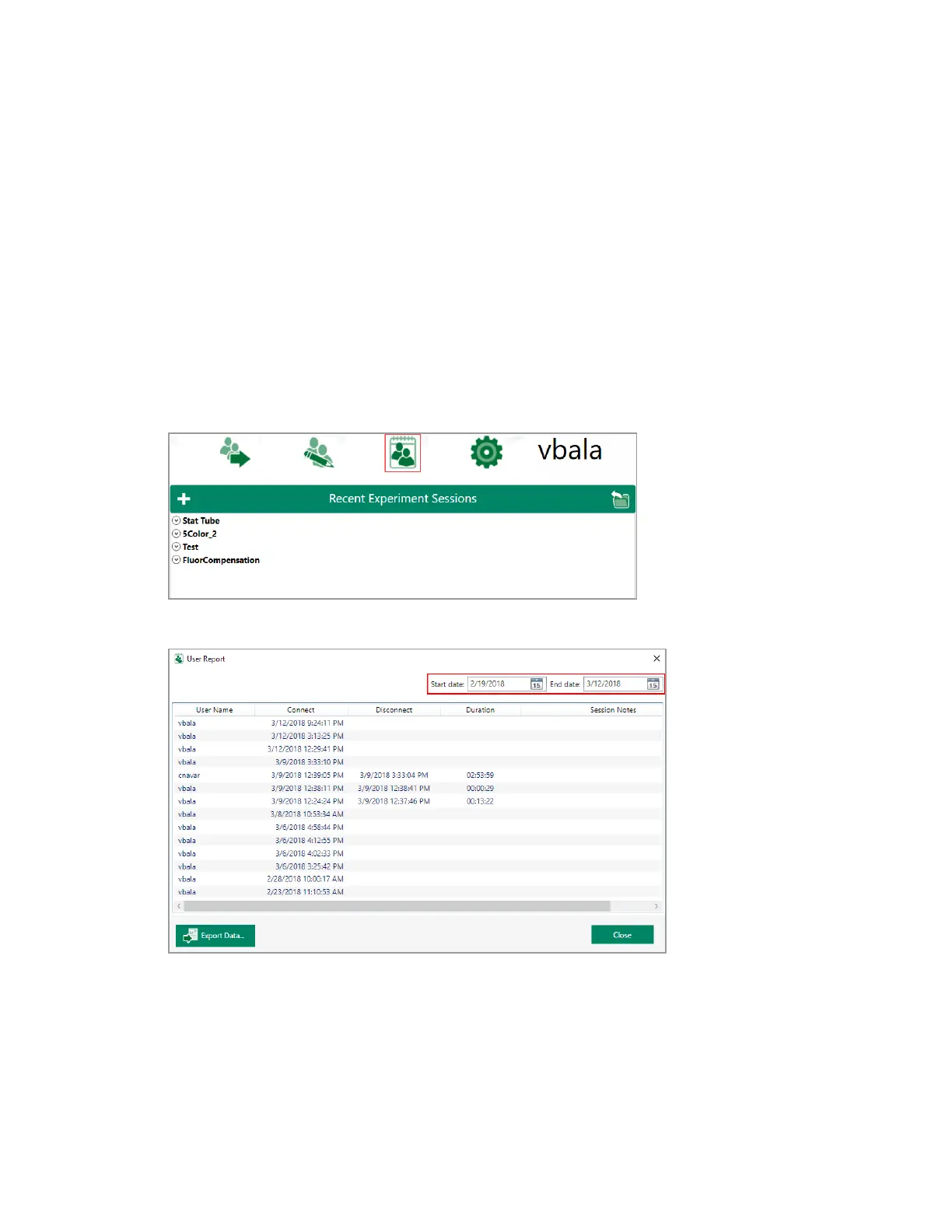
Administrators can view and save user reports for billing purposes and to analyze system usage.
These reports track usage over time and include session notes entered by logged-in users. These
reports can be printed or exported for reference.
The User Reports button is available in the Home window when a person with an Admin account is
logged in to Everest Software.
To generate a user report
1. In the Home window, click User Reports.
2. Set the date range for the report by selecting dates from the Start date and End date calendars.
3. To export the report to a CSV, click Export Data.
318 | ZE5 Cell Analyzer and Everest Software



 To Next Page