Home Window
Button Function
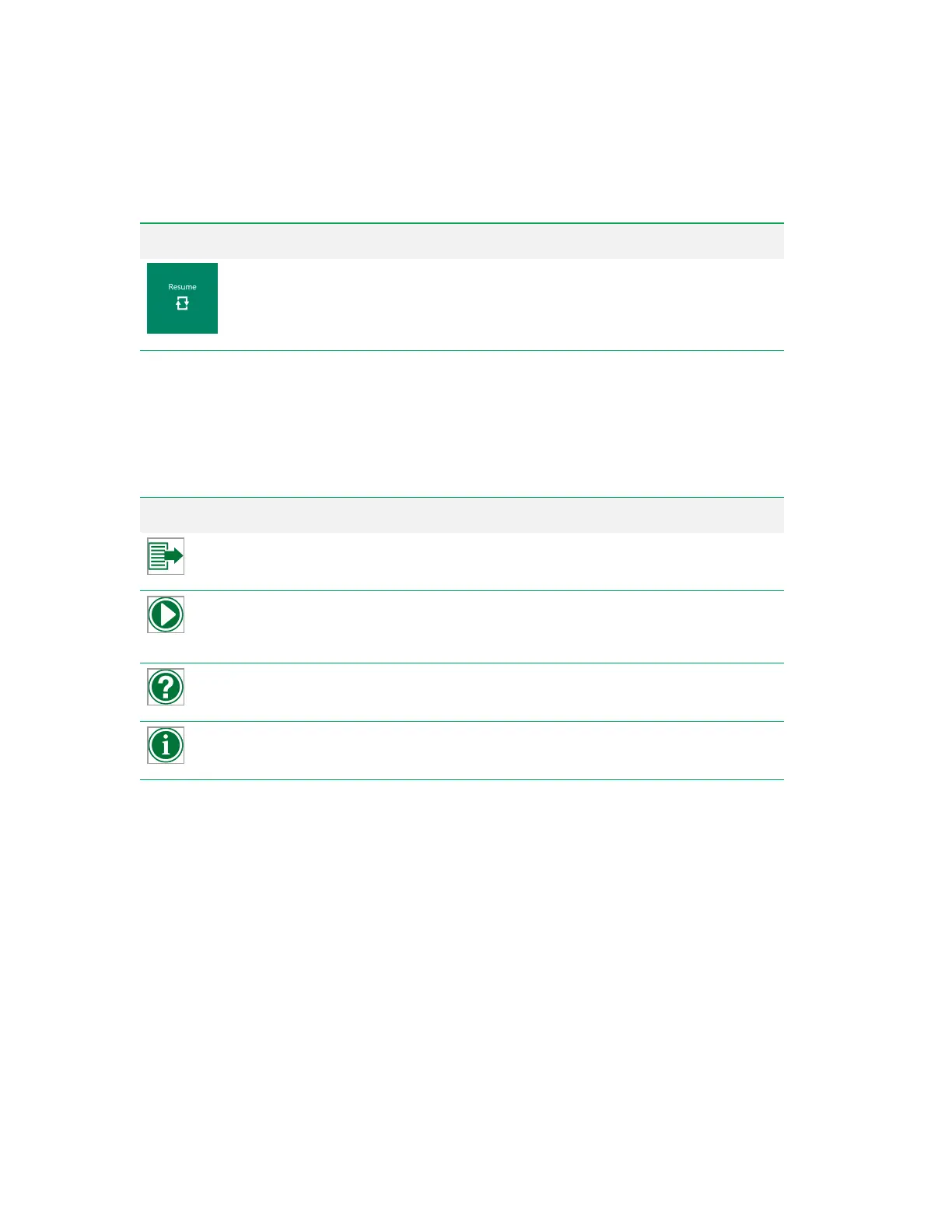
Appears if an experiment has been paused and the Home button has been clicked. Returns
to the workspace to continue acquiring from the paused experiment. Previously acquired
positions are indicated in the plate map. If FCS files were acquired for a portion of the
experiment, data from these files are included along with any new files acquired.
Table 8. Home window experiment buttons and their functions, continued
Help and Information Menu
The following items appear in the menu in the upper right corner of the Everest Software window. You
can access these items at any time, including when no user is logged in.
Button Function
Log Extraction
— pulls system log files from the last 180 days, compresses them into a
ZIP file, and saves the file on the computer's desktop.
Training Module
— displays a list of training videos that guide you through basic ZE5
Cell Analyzer system operations. These videos run in your default browser. Internet
access is not required.
User Manual
— opens and displays a PDF of this guide.
System Info
— displays basic system information such as the instrument serial number,
software version, and firmware version.
Table 9. Help and Information menu buttons and their functions
User Guide | 59



 To Next Page