Loading Sample Media
Item Function
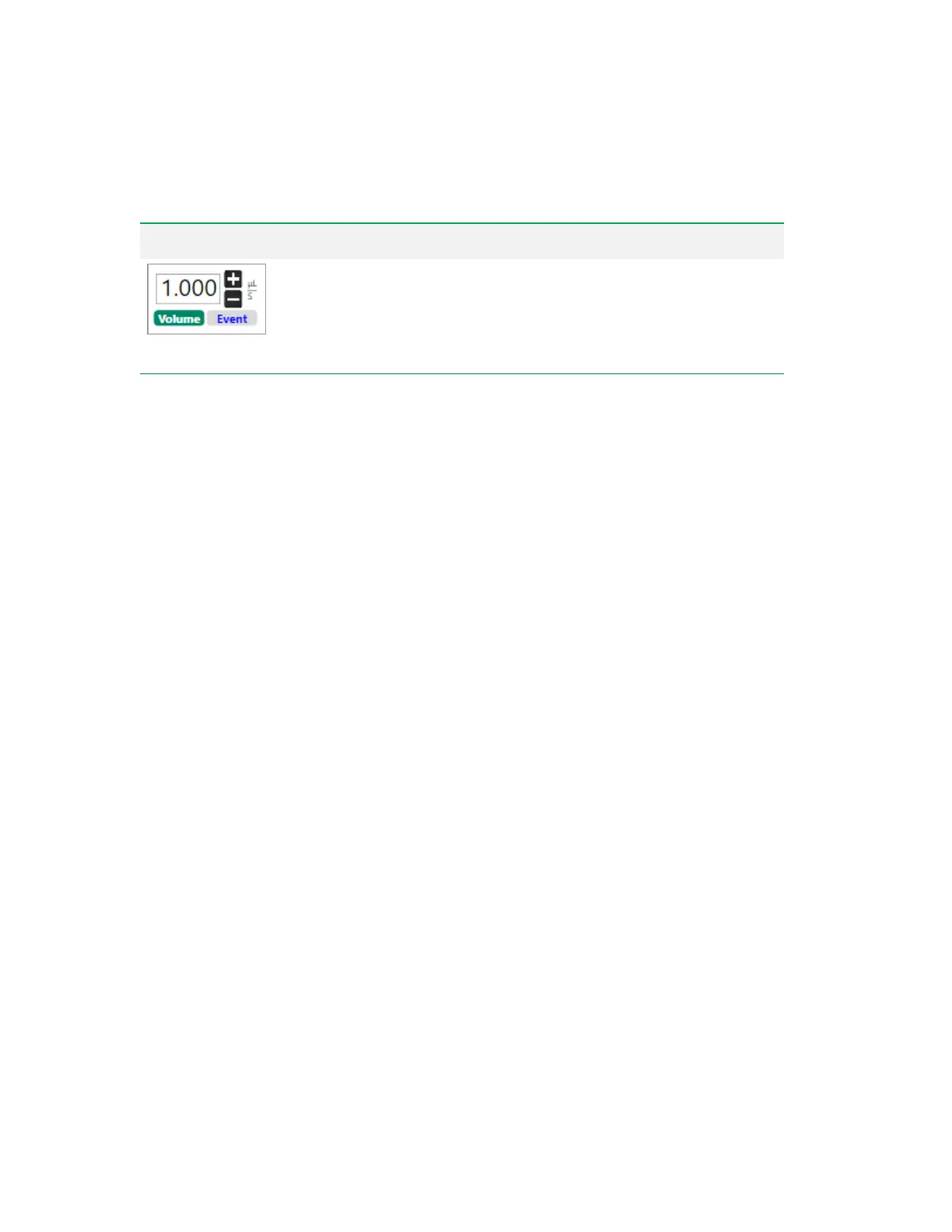
Flow Rate
— flow rate can either be determined by a target event rate or by a
target volume rate. To switch between event rate control and volume control,
click the corresponding button. Change the value in the box either by clicking
the plus and minus buttons (for volume rate only) or by entering it directly.
Tip: 0.1 µl is the smallest flow rate.
Table 40. Acquisition Mode Control Items, continued
Running Samples in Acquisition Mode
After optimizing settings in Setup mode, use Acquisition mode to acquire samples in the run list that
you set up in the Everest Experiment Builder.
Note: Data are not acquired from any stat tube that has been added on to the run list for a plate or
tube rack.
Important: While the system is acquiring sample in Acquisition mode, the following functions are
disabled:
n Initiating the ZE5-EYE process
n Shutting down Everest Software and the ZE5 Cell Analyzer
n In the Instrument tools:
o Returning sample probe to home position
o Cleaning the sample line and probe
o Unclogging the sample line, probe, and flow cell
o Swapping QCbeads
o Pausing the sheath fluid and disabling the lasers
n Opening the sample loader door
The software enables these functions when sample acquisition in complete.
To run samples in Acquisition mode
1. Click Acquisition in the Instrument Control panel to change to Acquisition mode.
User Guide | 283



 To Next Page