Performing Automatic Compensation
Performing Automatic Compensation
Before running the fully stained sample, perform automatic compensation. The FCS file for the fully
stained sample will be exported with the compensation matrix. Data are exported in accordance with
FCS 3.1 standards and can be analyzed using third-party software.
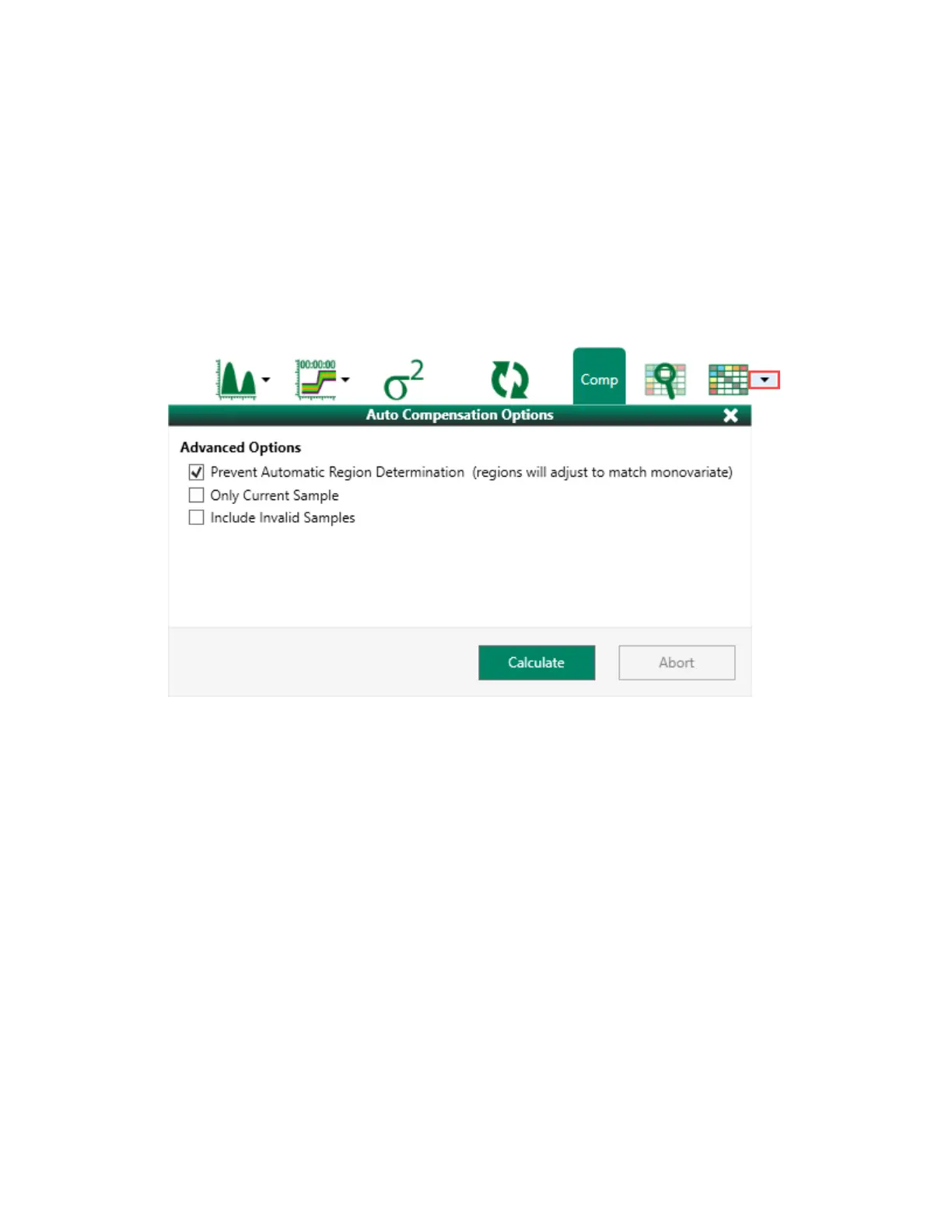
1. Click the down arrow on the Compensation button to select auto compensation options.
2. Select the Prevent Automatic Region Determination checkbox to include any regions that you
adjusted manually.
3. Click Calculate.
This applies auto compensation using the data from the compensation controls and refreshes the
plots to display compensated data.
User Guide | 373



 To Next Page