Setting Up the Run List
Creating a Custom Media Type
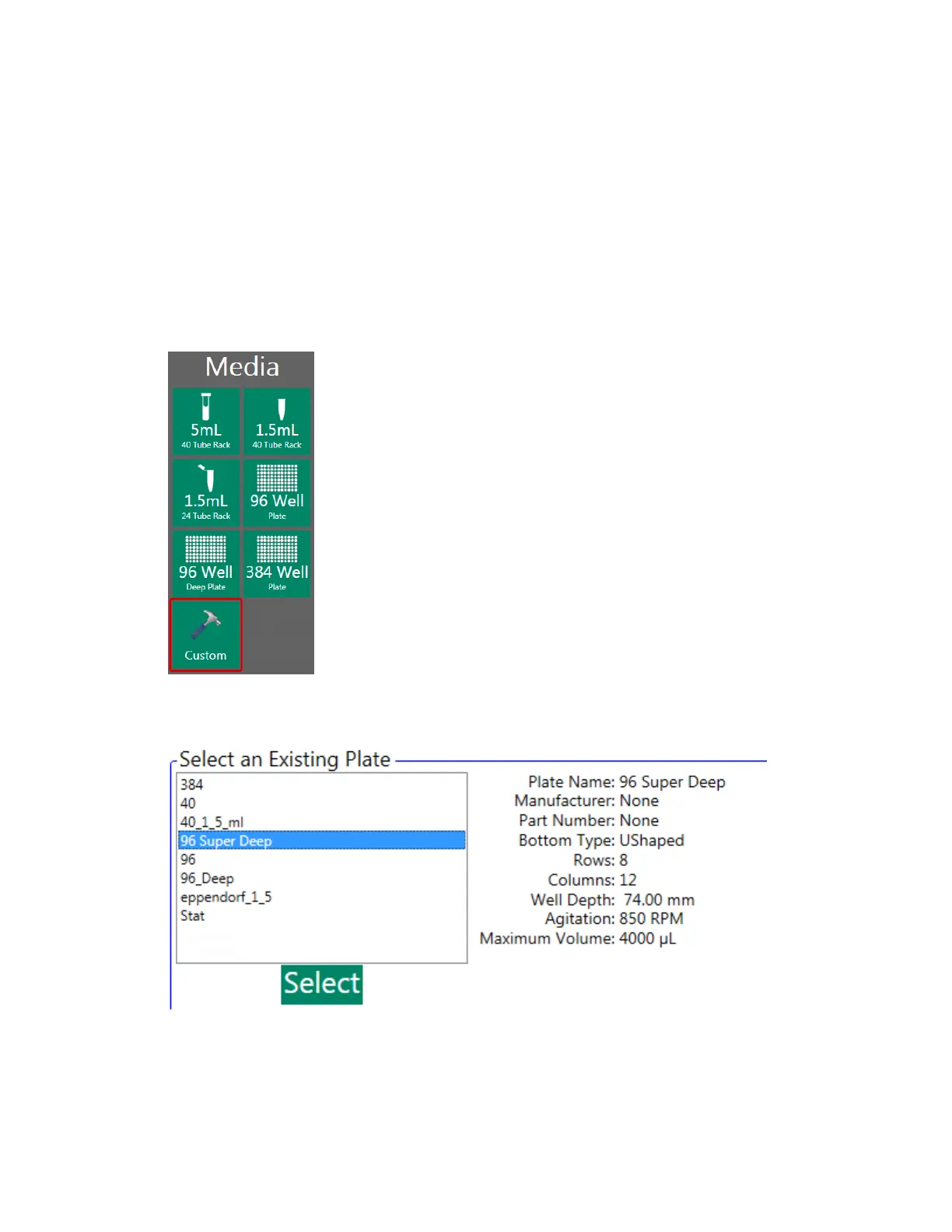
If none of the six predefined media types match the device you intend to use, you can create a custom
media type.
To create a custom media type
1. In the Media list, click Custom.
2. (Optional) If your custom device is similar to an existing plate (device), select it to use as a
template.
User Guide | 173



 To Next Page