Chapter 7 Creating Experiments and Workspaces
The settings for the existing plate populate the settings for the custom device.
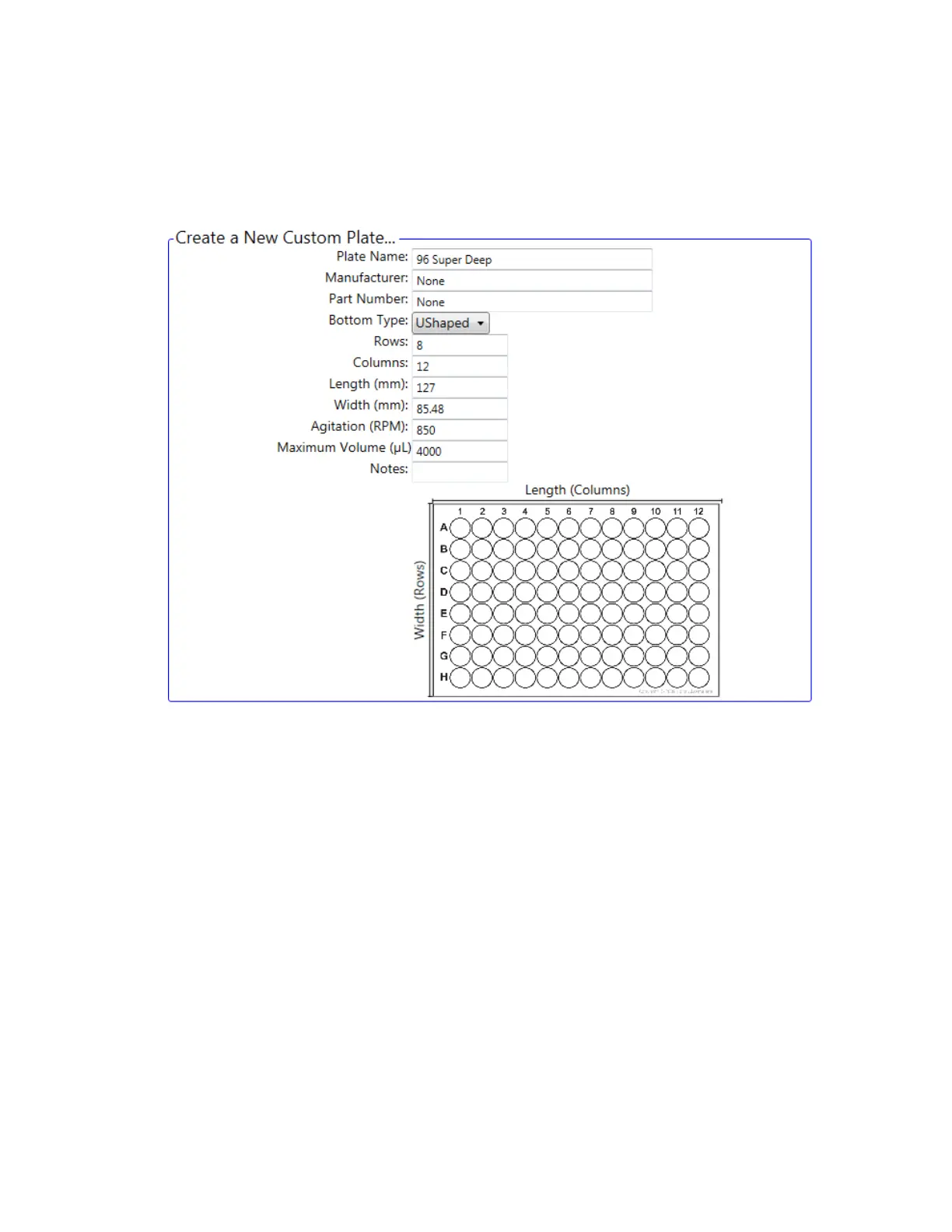
3. In the Create a New Custom Plate area, type a name for the new custom media.
Important: If you select an existing device to use as a template but do not change the Plate
Name value, the calibration for the existing device will be modified.
4. Edit plate settings as necessary and then click Next.
174 | ZE5 Cell Analyzer and Everest Software



 To Next Page