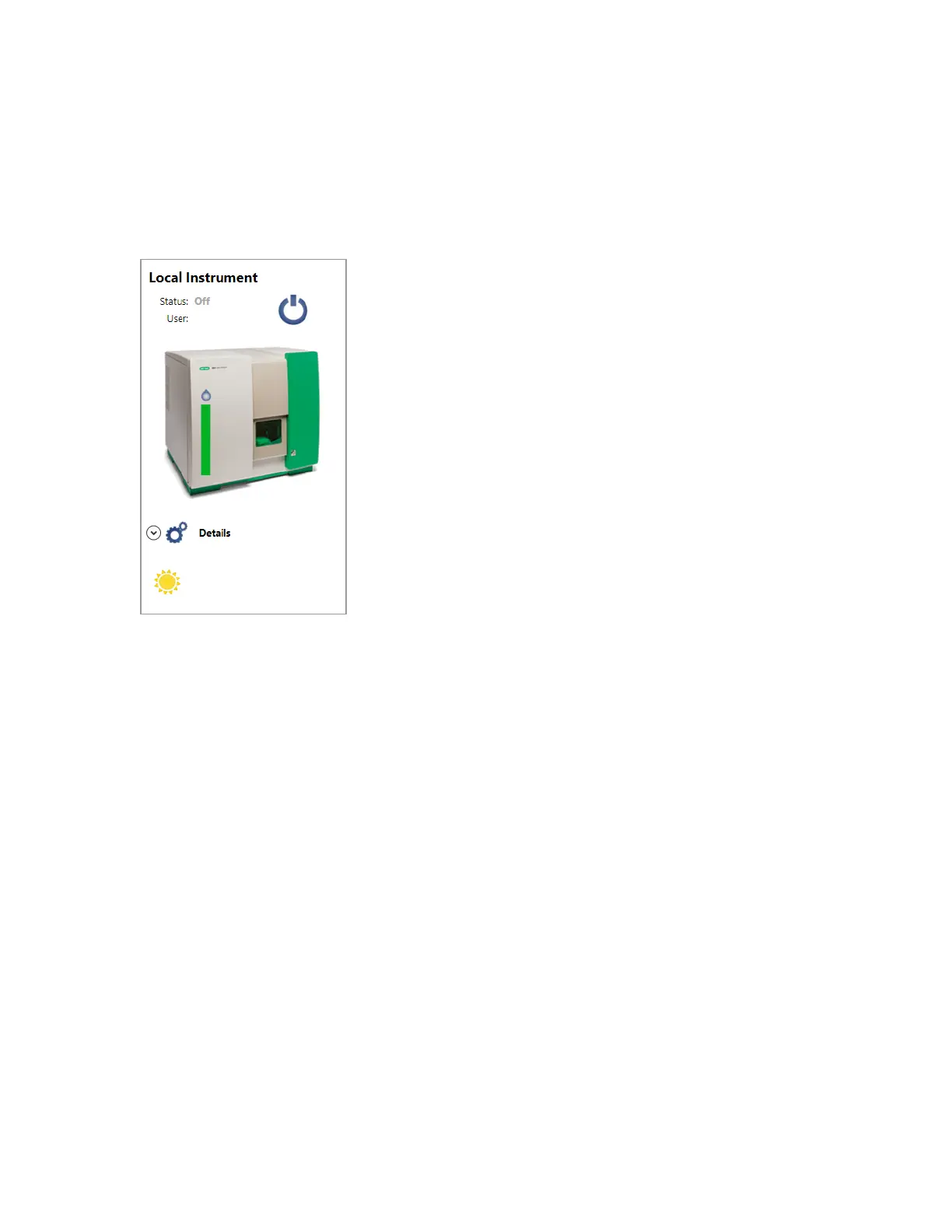
Starting Up the System
in the software Login window.
Important: Powering the system on or off incorrectly can cause the instrument to malfunction.
The startup process turns on the lasers, pressurizes the internal sheath reservoir, and initiates sheath
fluid flow through the flow cell. The unclog and ZE5-EYE processes run immediately after the startup
process.
You can run the startup process after logging into the system. If your system administrator has allowed
it, you can also run the startup process before logging into the system.
For more information, see Unclogging the Sample Line and Probe on page 322, Using the ZE5-EYE
to Confirm Filter Choices on page 135, Running Quality Control on page 156, and Specifying Logged
Out Settings on page 114.
User Guide | 153



 To Next Page