Configuring Instrument Settings
Item Function
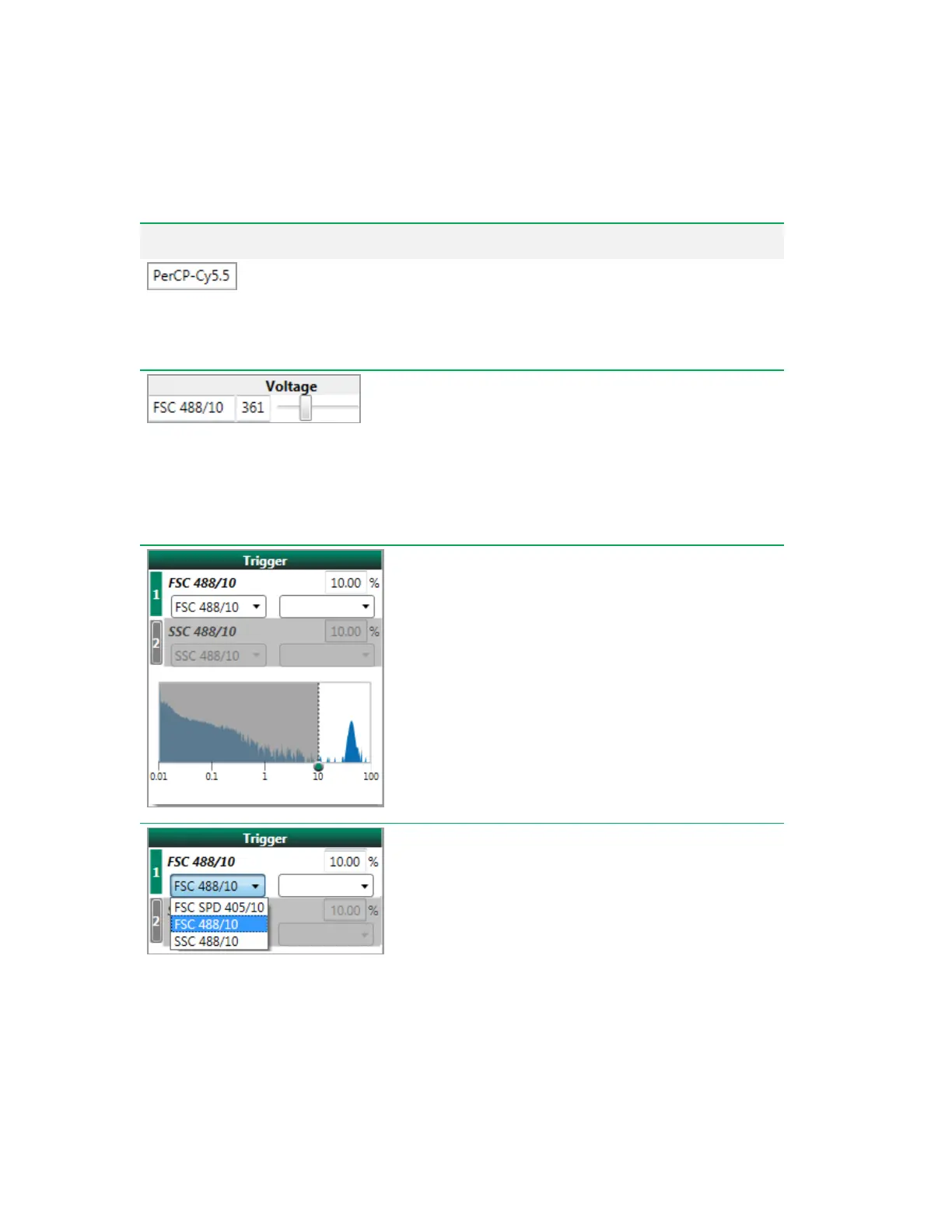
Editable parameter name
— each parameter name is
editable and is saved with the acquired FCS data. When
changed, this name propagates to plot and histogram axes,
compensation screens, and the Filter Configuration dialog box.
PMT voltage
— allows you to adjust the PMT voltage for the
selected detector, either by entering a value or moving the
slider.
Important: The voltage adjustments are saved only for
the current experiment. For each new experiment the
values are reset to default, which are set at the most
recent QC baseline. The adjusted PMTvoltage values are
included in the FCSfile.
Trigger
— use the trigger parameter or parameters to alert the
system to the presence of an event over the threshold. The
trigger plot represents what the electronics are detecting; it
uses log scaling on the x-axis and data in the gray region are
excluded. Raising or lowering the threshold allows you to
exclude unwanted data from acquisition.
Data below the threshold are not saved as part of the FCS file;
only events at or above the threshold are saved.
Select trigger parameter
— the default trigger is forward
scatter (488 nm laser). Everest Software enables data
triggering by up to two unique parameters, either scatter or
fluorescence. The threshold is set using the selected trigger
parameter.
Table 38. PMT and Laser Control Items, continued
User Guide | 259



 To Next Page