Chapter 7 Creating Experiments and Workspaces
Item Function
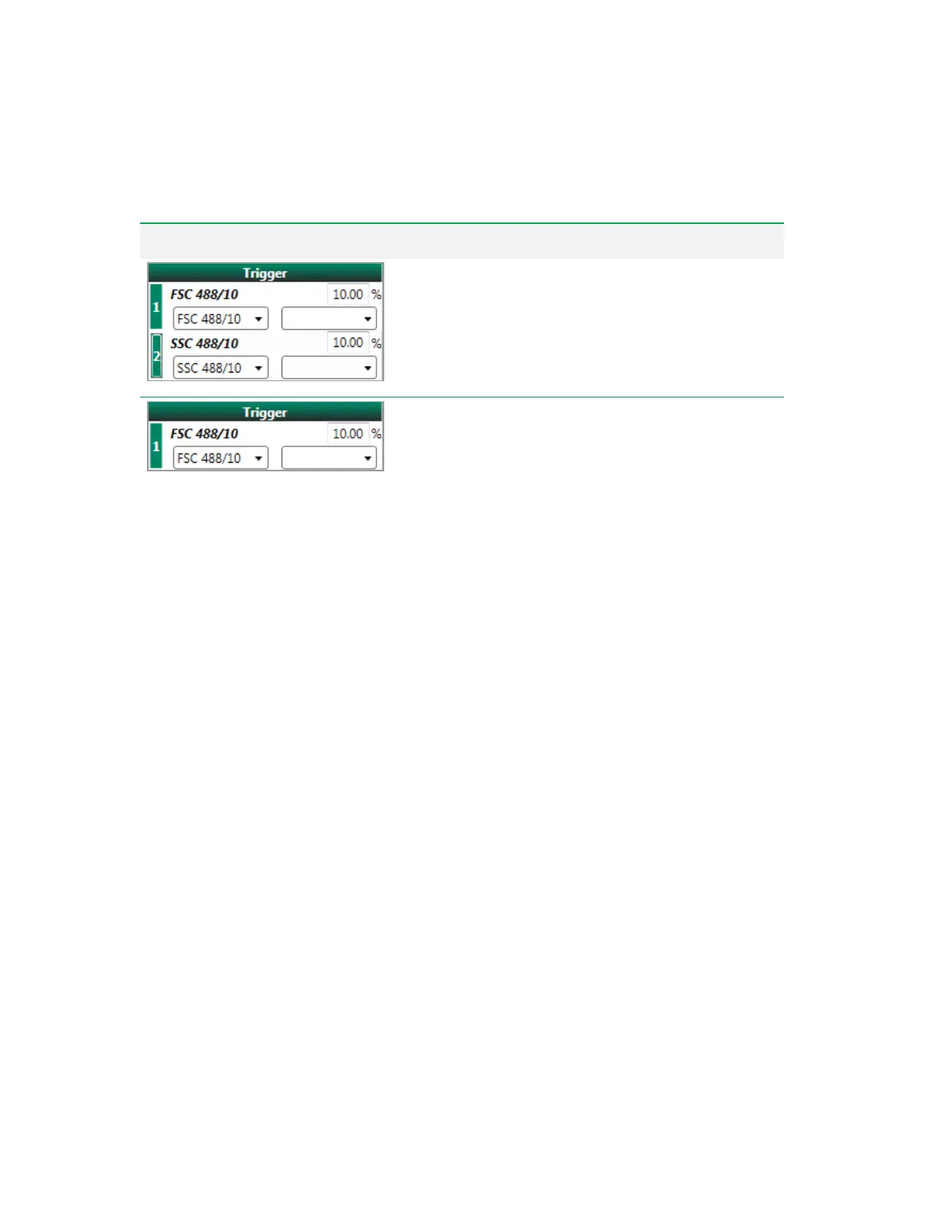
Secondary trigger channel
— the default secondary trigger
is side scatter (488 nm laser). The secondary trigger is
disabled by default. Click the row number to enable and add a
secondary trigger/threshold channel.
Adjust threshold setting
— the primary and secondary
trigger threshold is a percentage of the signal in the trigger's
detector. The range that can be entered is 0.01 to 100%. The
default value is 10.00%.
Important: The threshold adjustments are saved only for
the current experiment. The default threshold value for the
primary trigger, which is enabled for each new
experiment, is 10%. The default threshold value for the
secondary trigger, which is disabled for each new
experiment, is 10% when the trigger is enabled.The
adjusted threshold values are included in the FCSfile.
Tip: When utilizing a trigger parameter in log display, set
a threshold value of less than 1% to allow display of data
in the lower log decades.
Table 38. PMT and Laser Control Items, continued
260 | ZE5 Cell Analyzer and Everest Software



 To Next Page