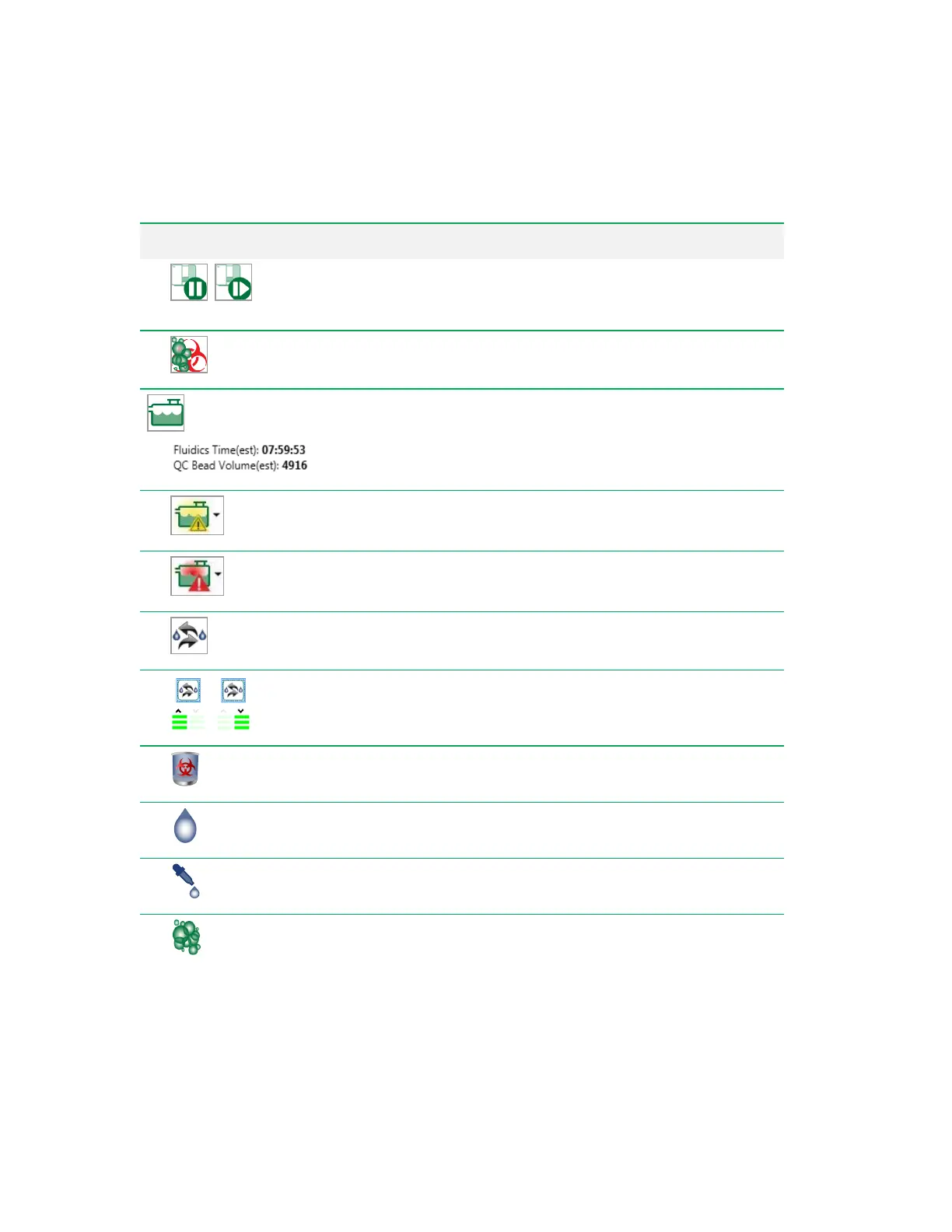
The Toolbar
Button Function
Pause System/Resume System
— pauses the sheath fluid flow
and disables the lasers, or resumes the sheath flow and enables the
lasers.
Decontamination
— initiates the Decontamination wizard.
Fluidics
— displays status of fluidics bottles and calibration beads;
allows you to swap the large fluidics bottles. Displays remaining fluidics
run time. See Checking Fluidics Status on page 142.
Low Fluidics Warning
— indicates that the level of bulk fluidics is
low and should be replaced soon.
Extremely Low Fluidics Warning
— indicates that the bulk fluidics
should be immediately replaced.
Swap Fluidics
— switches the active waste and sheath fluidics
bottles. See Refilling Bulk Fluidics on page 143.
Bottle Use Indicator
— indicates whether the top or bottom waste
and DI water bottles are in use.
Waste Fluid Level
— indicates the level of fluid in the waste bottles.
DI Water Level
— indicates the level of fluid in the DI water (sheath)
bottles.
Additive Fluid Level
— indicates the level of fluid in the sheath
additive bottles.
Cleaner Fluid Level
— indicates the level of fluid in the system
cleaner bottles.
Table 29. System buttons and their functions, continued
User Guide | 97



 To Next Page