Chapter 7 Creating Experiments and Workspaces
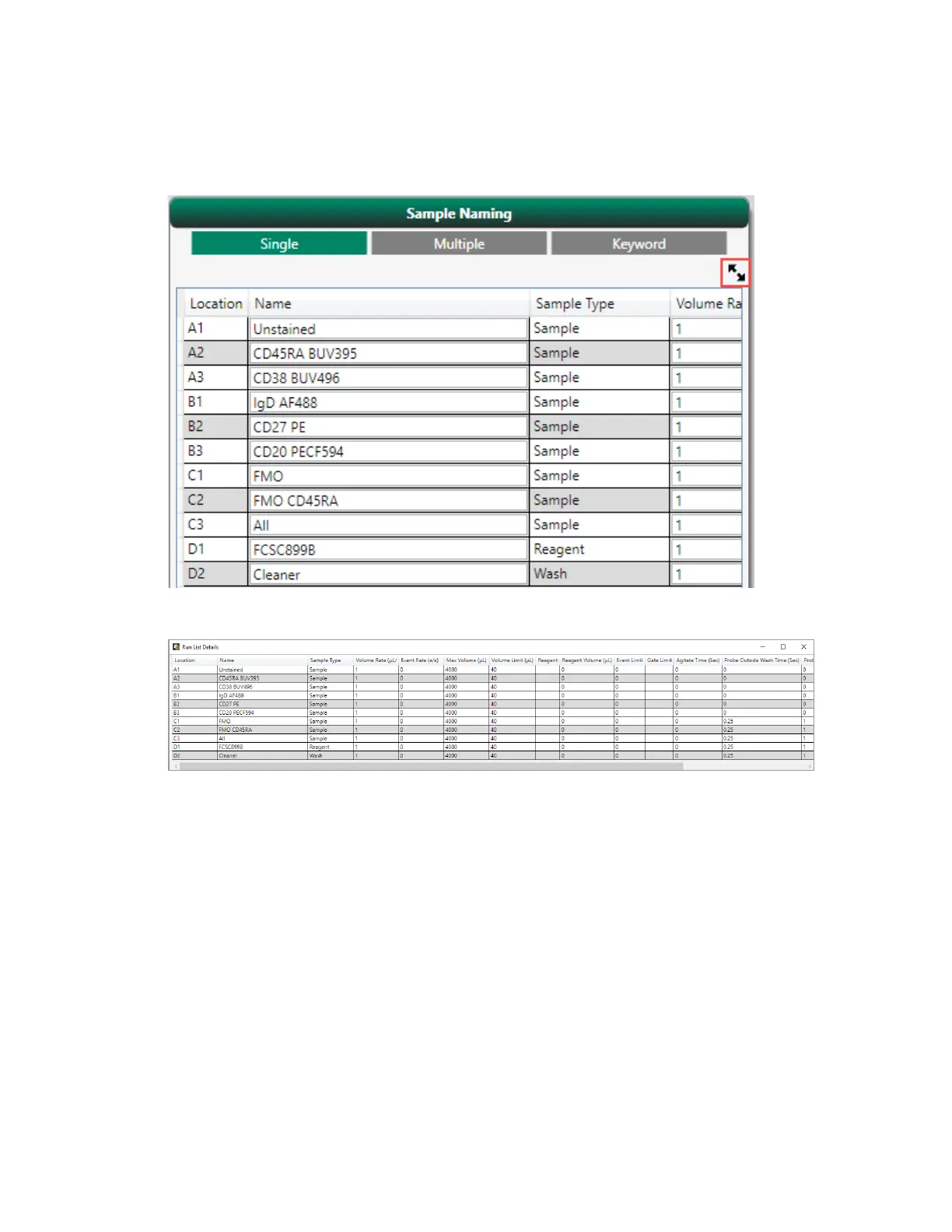
The run list details appears in a separate window.
2. Inspect each tube or well to verify that all settings are correct.
3. Close the Run List Details window and then click the Next arrow to go to the Settings screen.
In the Settings screen, you can create plots for analysis and adjust instrument settings such as
thresholds and PMT voltages. You can also add experimental panels to a single plate or rack, if
needed.
208 | ZE5 Cell Analyzer and Everest Software



 To Next Page