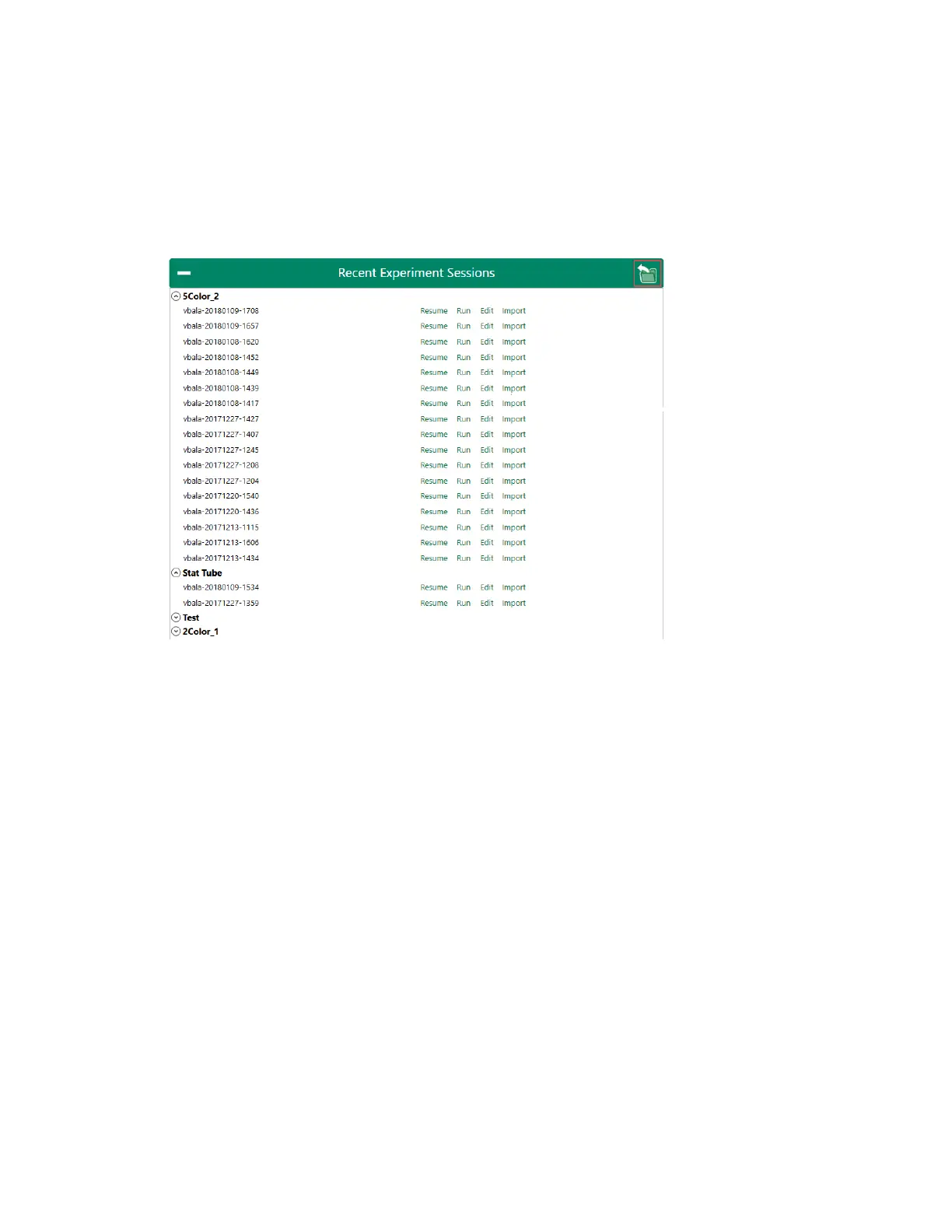
Running an Existing Experiment
n If the experiment session that you want to run is not in the list of recently displayed items:
a. Click Load Run List in the upper right.
b. Browse to find the experiment that you want to run.
c. Select the .rlst file and click Open.
The experiment opens in the Experiment Builder, where you can make any needed adjustments
before applying it to the workspace.
For more information, see Recent Experiment Sessions on page 62.
User Guide | 271



 To Next Page