Loading Sample Media
o Unclogging the sample line, probe, and flow cell
o Swapping QCbeads
o Pausing the sheath fluid and disabling the lasers
n Opening the sample loader door
Everest Software enables these functions when sample acquisition is complete.
To acquire sample in Setup mode
1. Ensure that the correct experiment has been created and loaded.
2. Load the sample.
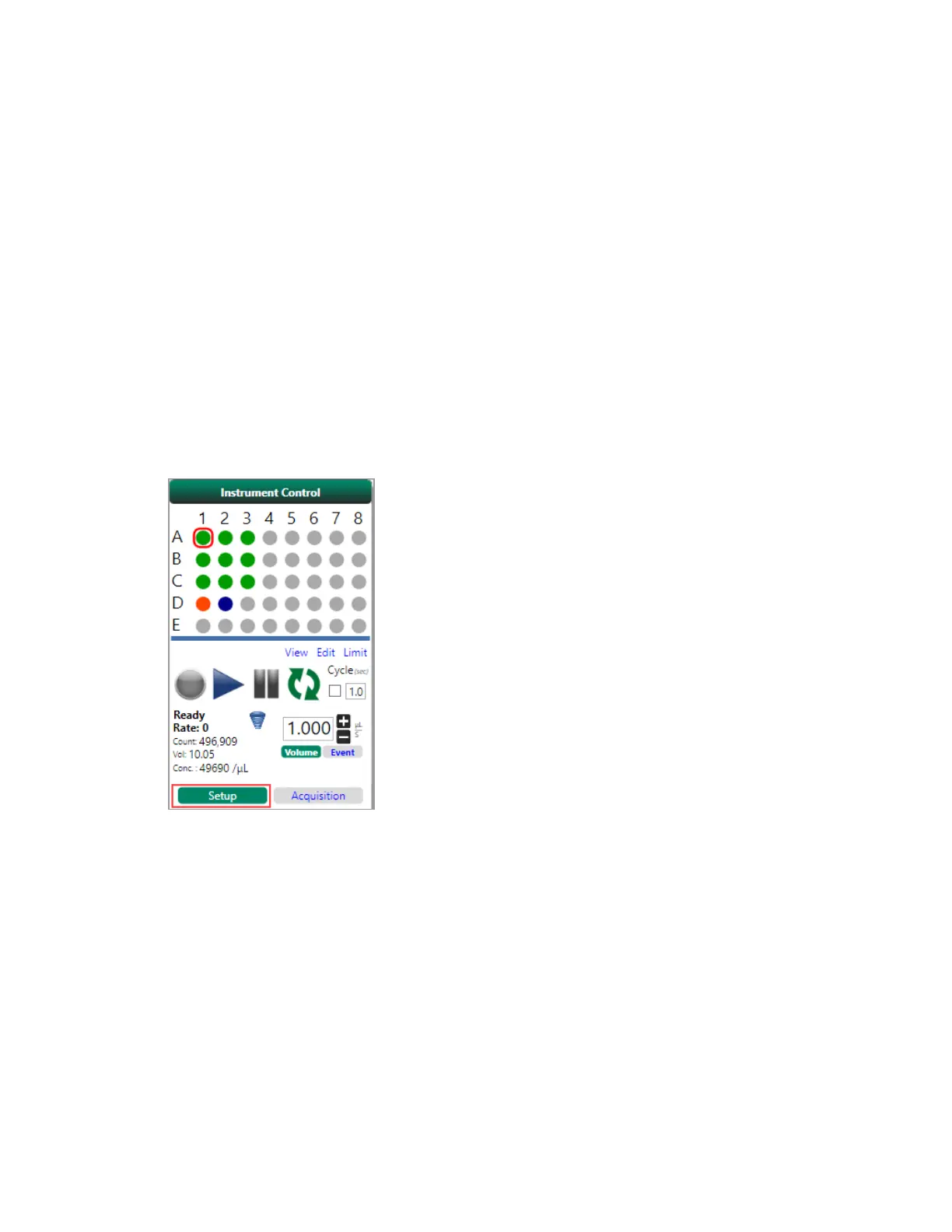
3. Click Setup in the Instrument Control panel.
Note: The workspace status bar displays the current mode. For a single stat tube, the Setup
button does not appear; sampling occurs in Setup mode by default.
User Guide | 279


 To Next Page
 Loading...











