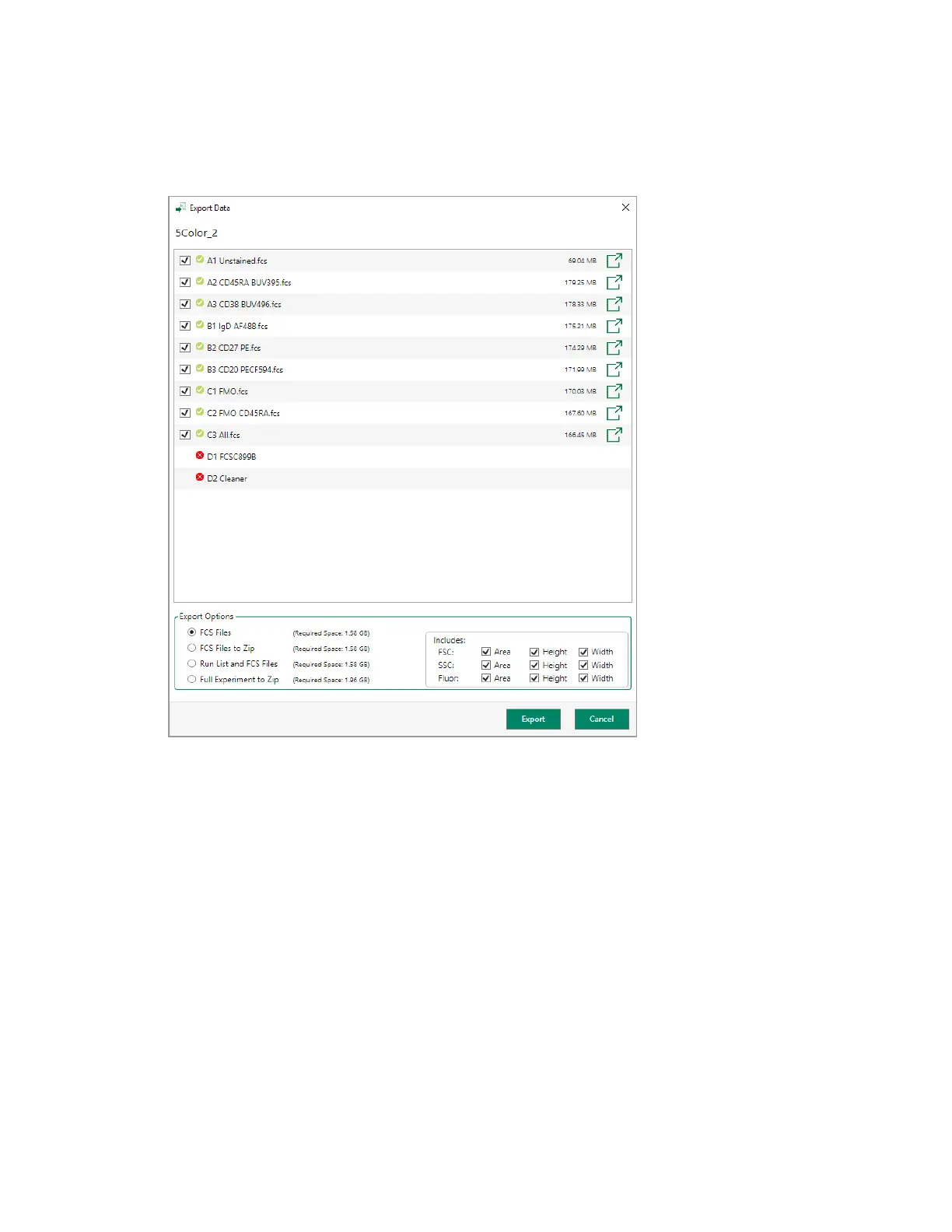
Exporting FCS and RLST Data Files
Positions for which data have not been acquired and saved are indicated with a red circle rather
than a check mark, and the option to export does not appear.
2. To export data for a single position, click the export button for the position in the right column.
3. In the Browse For Folder dialog box that appears, do one of the following:
n Click OK to accept the default location (D:\EverestUsers\Export).
n Click Make New Folder to create a new folder in the \Export folder, or browse to another
location, rename the new folder and Click OK.
Everest Software saves the FCSfile for that position.
User Guide | 289



 To Next Page