Chapter 9 Applying Fluorescence Compensation
2. In the Samples screen, select a media type.
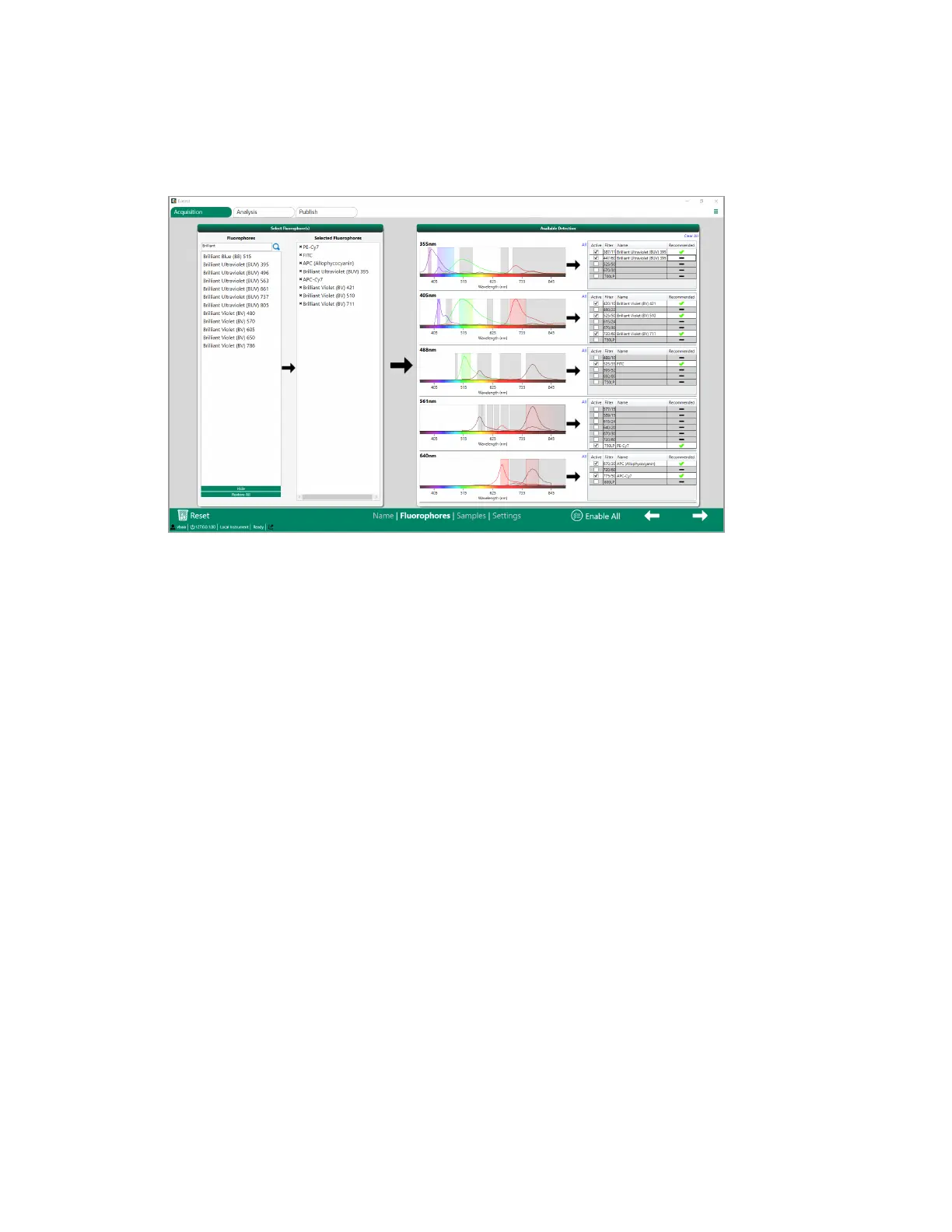
3. In the Selected Fluorophores panel, enable the Negative Control if your experiment includes one.
4. Enable Compensation to automatically set up fluorophores as controls.
5. To use the negative control as a universal negative in automatic compensation calculations,
select the Use Universal Negative checkbox.
292 | ZE5 Cell Analyzer and Everest Software


 To Next Page