Decontaminating the System
To decontaminate the system
1. Before starting the procedure, ensure that you have performed the steps in Preparing for the
Decontamination Process on page 326.
The Decontamination wizard will prompt you to replace the existing bottles.
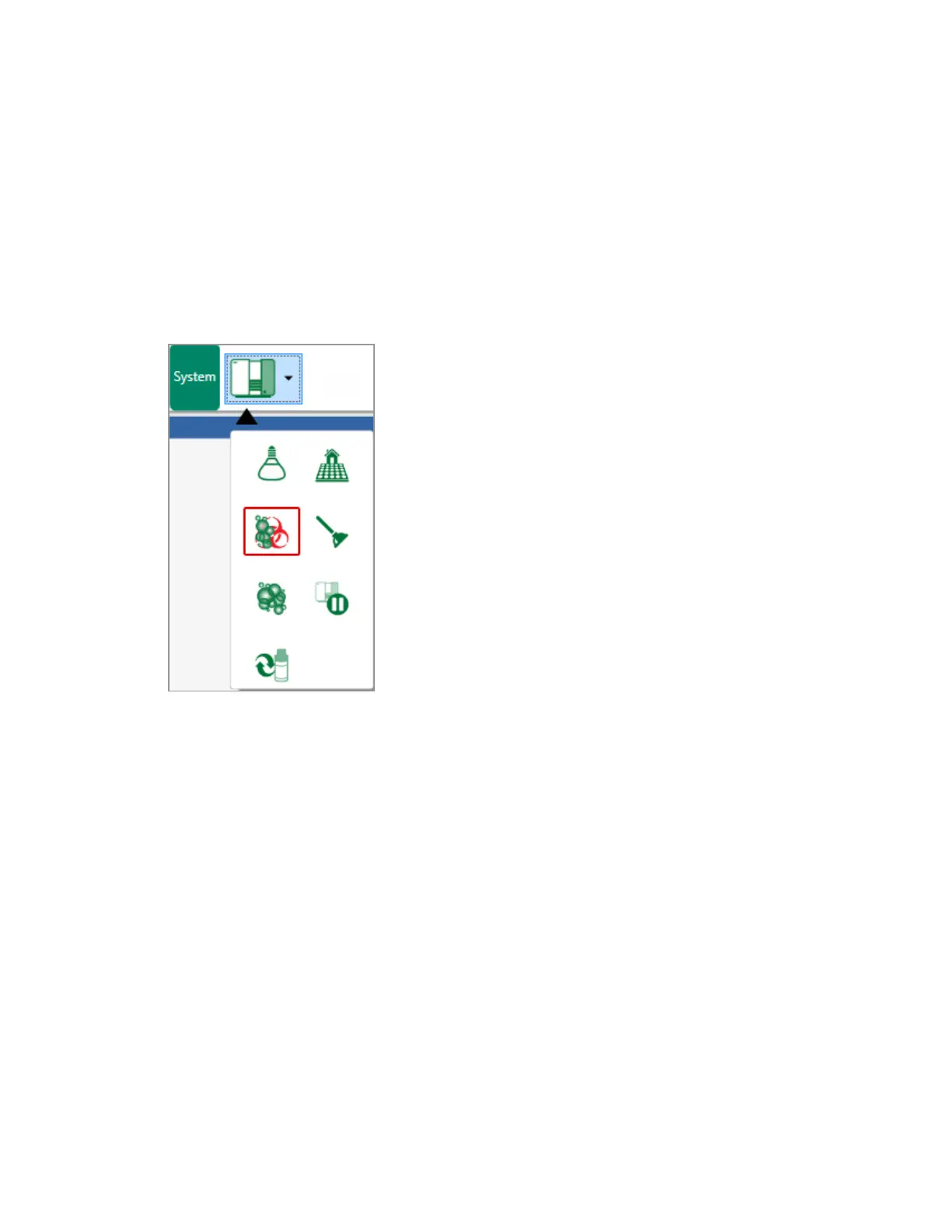
2. In the System section of the toolbar, click Decontamination in the Instrument Tools dropdown list.
The Decontamination wizard starts.
User Guide | 329



 To Next Page