28 Sync Control System
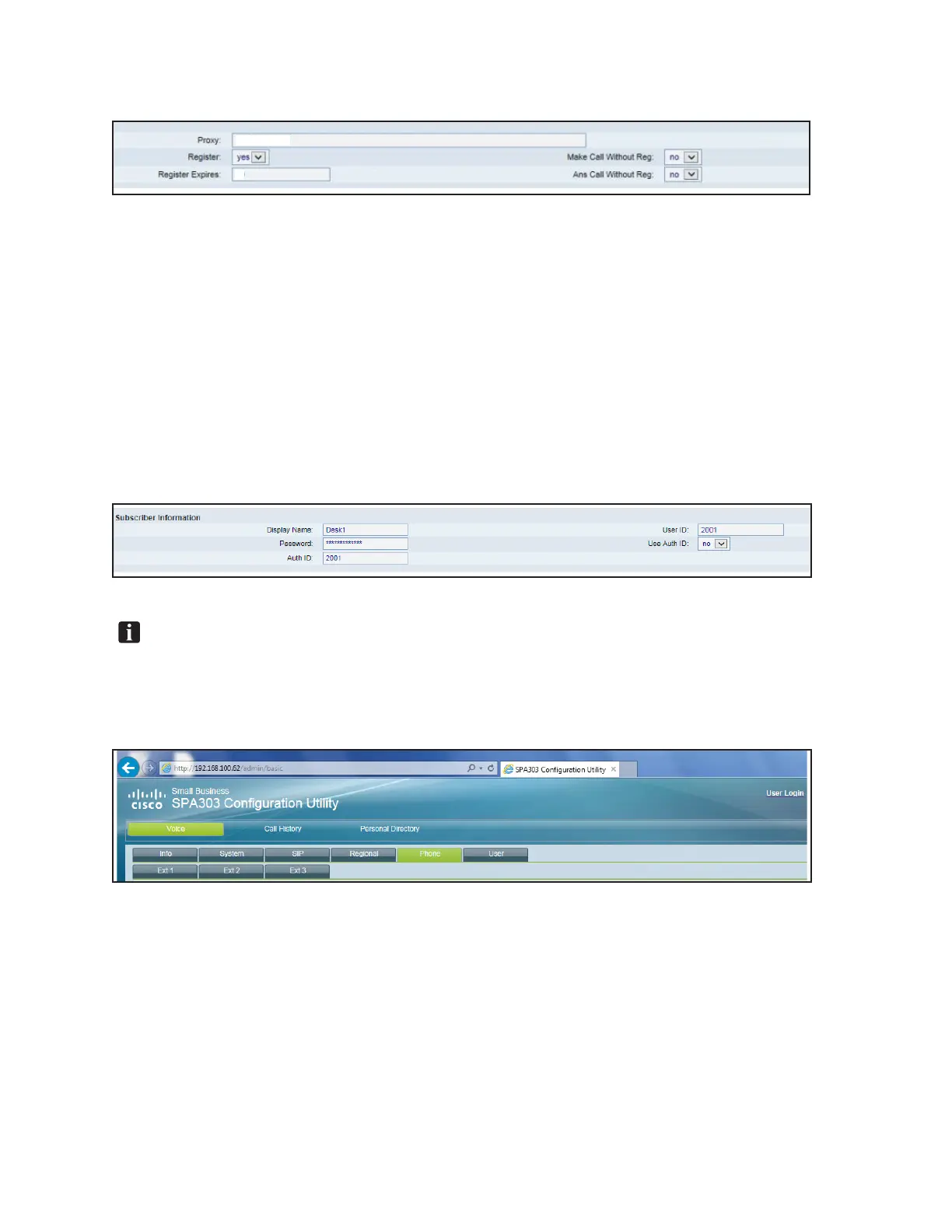
2) Change the Register Expires Value to: 60
192.168.100.1
60
Proxy And Register Settings
B. Subscriber Information Section (Refer to gure titled Subscriber Information Settings.):
1) Set the Display name. Choose and input a display name for the handset. All the other
handsets on the network will use this name to identify the handset.
Example Headset Name: Desk1
2) Enter Password: Brunswick
3) Set the Auth ID - The Auth ID is the extension for the headset. It should be set to the 2000
range. If this is the rst headset, set it to 2001. If it is the second, set it to 2002 and so on.
4) Set the User ID - This value should be the same as the Auth ID setting.
Subscriber Information Settings
NOTE: The Extension Information for the intercom system is as follows:
Lanes are in the 1000 range. Example: Lane #1 is 1001, Lane #10 is 1010.
Handsets are in the 2000 range. Example: Handset #1 is 2001, Handset #2 is 2002.
6. Click on the Phone tab. Refer to gure titled Phone Tab.
Phone Tab



 To Next Page