"Setting the IP Address"
"Setting a Port and Installing the Printer Driver"
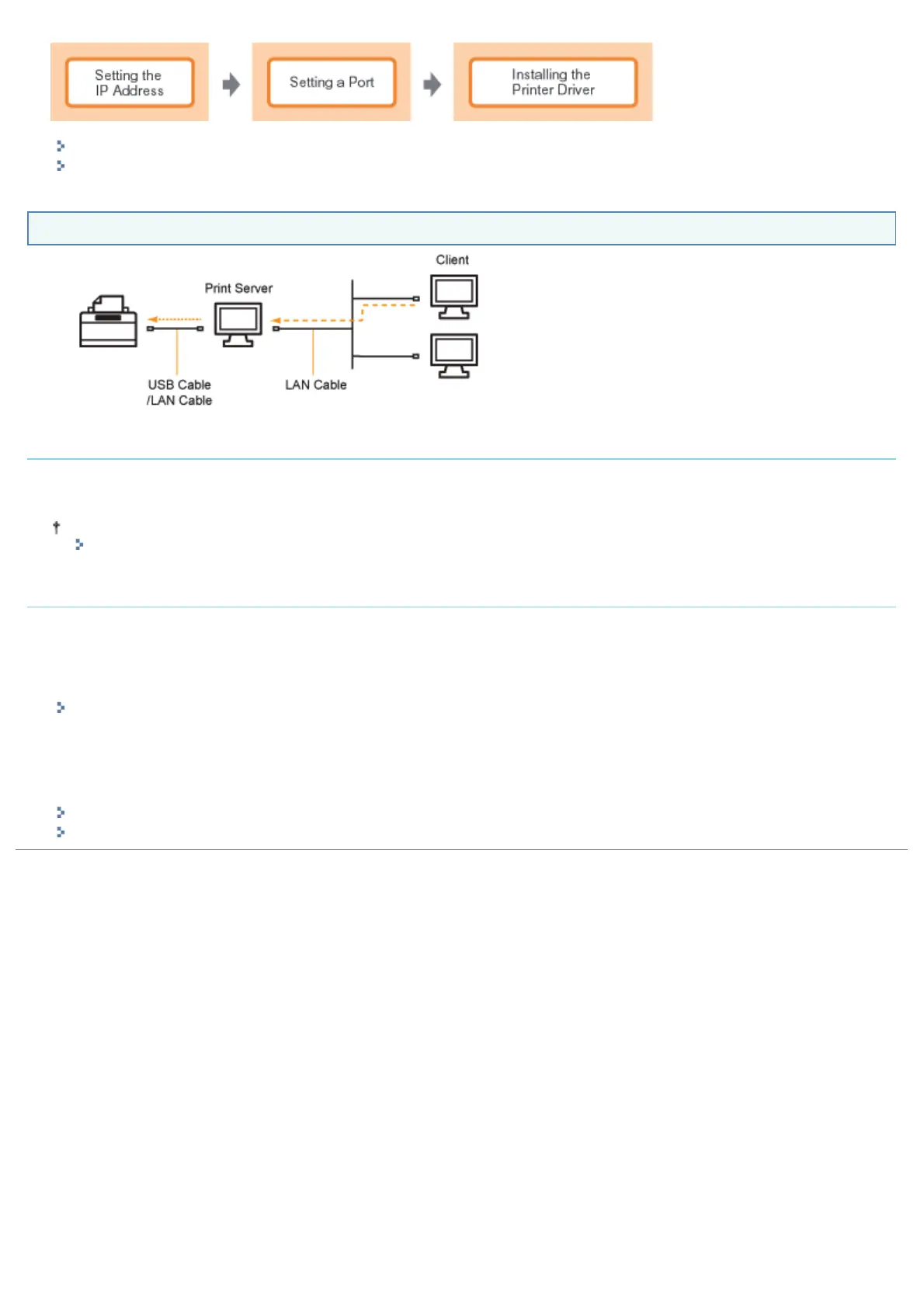
If You Use the Printer in the Print Server Environment
If your computer is the print server
For details on the procedure for installing the printer driver, see "If You Are Connecting the Printer and Computer with a
USB Cable" and "If You Are Connecting the Printer and Computer with a LAN Cable" above.
After the installation is complete, configure the print server.
"Configuring the Print Server"
If your computer is a client computer
There are the following two ways to install the printer driver.
<Local Installation>
You can install the printer driver using the supplied CD-ROM.
"Easy Installation"
<Download Installation>
You can install the printer driver without using the supplied CD-ROM, but by downloading the printer driver from the print
server. There are the following two ways to download and install the printer driver.
"Installing from the Printer Folder"
"Installing from [Windows Explorer]"
㻝㻜㻝㻌㻛㻌㻠㻡㻞














 To Next Page