07K5-05F
1
Run NetSpot Device Installer.
"Using NetSpot Device Installer"
2
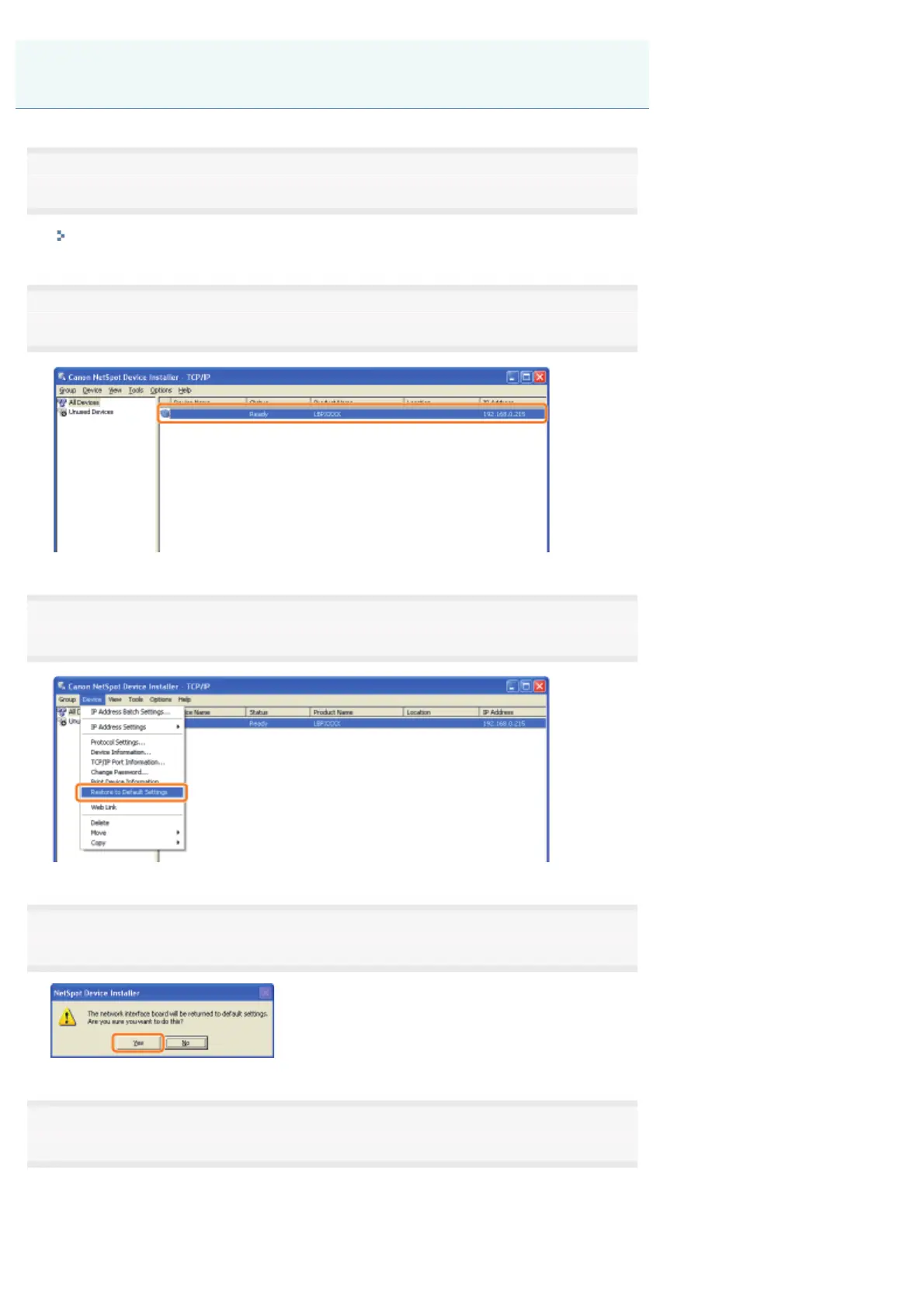
Select the printer for which you want to initialize the network settings.
3
From the [Device] menu, select [Restore to Default Settings].
4
Clicking [Yes] initializes the network settings.
5
Perform the following procedure.
If the message <The device has been reset.> appears
Click [OK].
Initializing Using NetSpot Device Installer
㻞㻣㻞㻌㻛㻌㻠㻡㻞














 To Next Page