07K5-067
The links to the sites that provide information about the printer support are supplied in the Remote UI, and you can access
the sites from the Remote UI as needed. If you logged on as Administrator, you can change the links.
Displaying a Support Page
1
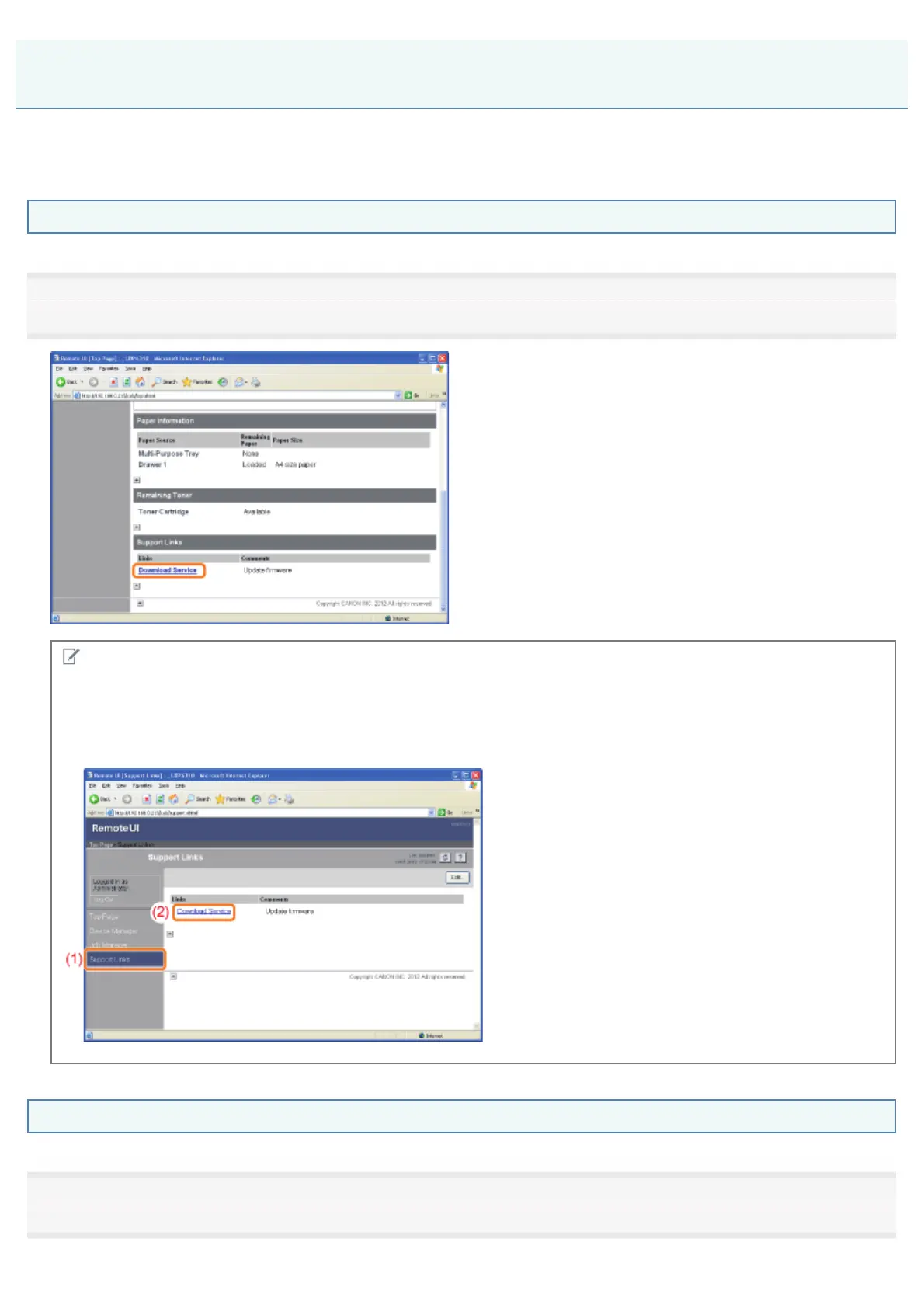
Click a link you want to display from [Support Links] in the top page.
NOTE
Displaying a support page from the [Support Links] page
(1) Select [Support Links].
(2) Click a link you want to display.
Changing Support Links or Comments
1
Select [Support Links].
Displaying or Changing Support Links
㻟㻝㻢㻌㻛㻌㻠㻡㻞














 To Next Page