07K5-03U
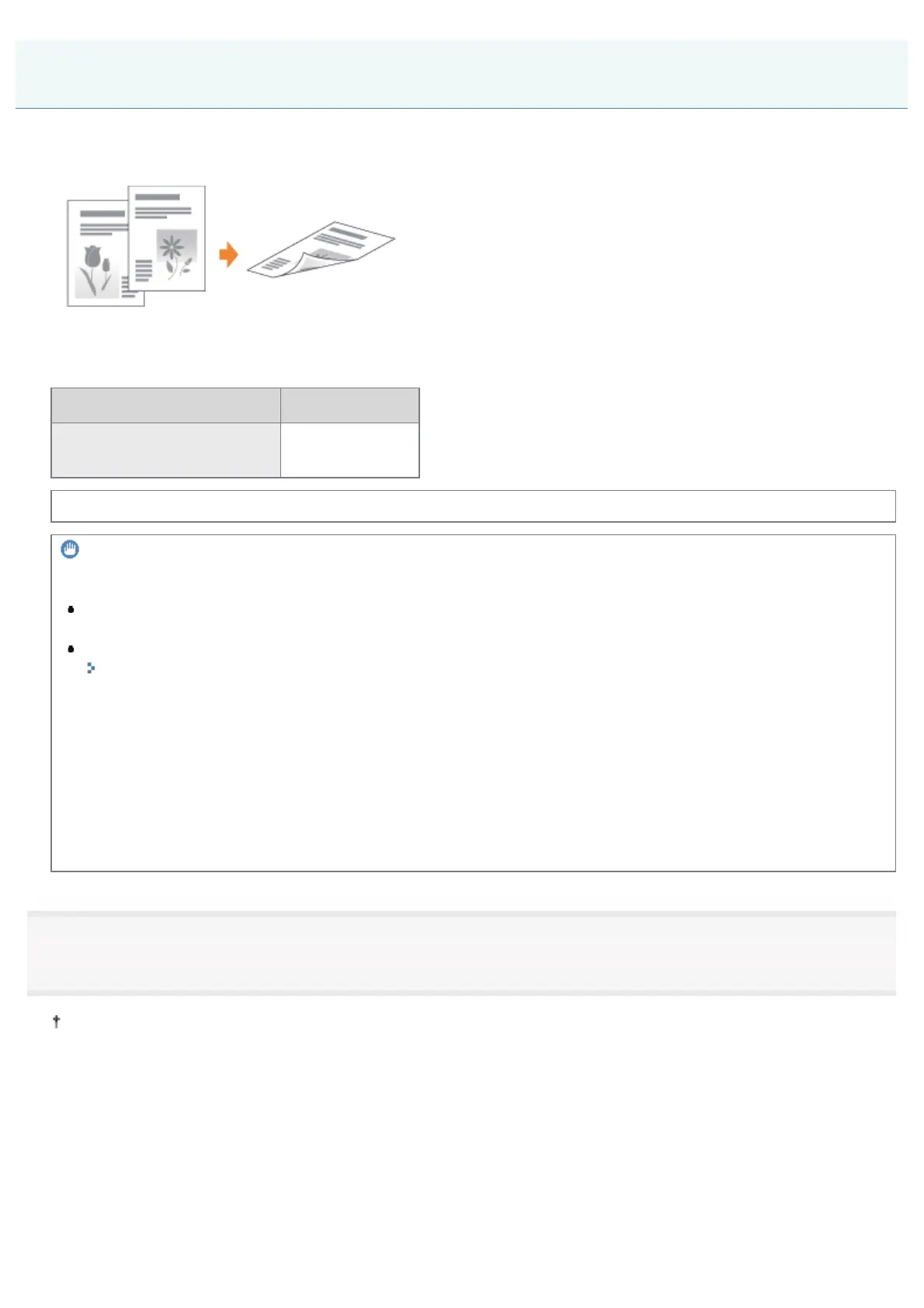
You can select whether to print on one side or both sides of each sheet of paper. The default setting is 2-sided printing.
The following paper can be used for 2-sided printing.
Paper Type Paper Size
Plain paper (60 to 90 g/m
2
)
Heavy paper (91 to 120 g/m
2
)
A4, Legal, Letter
Before performing 2-sided printing, see "Attention (1-sided Printing and 2-sided Printing)."
IMPORTANT
Precautions when performing 2-sided printing
Do not touch the paper during 2-sided printing until it is output completely. The paper is first output partially after
the front side is printed, and then it is fed again to be printed on the reverse side.
Be sure to close the output selection cover before performing 2-sided printing.
"Paper Loading and Output"
Printing on the reverse side of paper that was previously printed (Performing 2-sided printing
manually)
This printer enables you to perform 2-sided printing manually by inserting the reverse side of the paper
*
that was
previously printed even if the paper cannot be used for 2-sided printing.
When printing on the reverse side of paper that was previously printed, flatten the curl and load one sheet of paper at a
time in the multi-purpose tray.
*
You can use only paper printed by this printer. Also, you cannot print on the printed side again.
1
Set the paper size switch lever to the appropriate position according to the paper size for 2-sided
printing.
If the lever is not set to the appropriate position, this may result in misfeeds or paper jams.
1. Open the duplex unit cover.
1-sided Printing and 2-sided Printing
㻝㻤㻜㻌㻛㻌㻠㻡㻞














 To Next Page