07K5-071
You can obtain the security access logs (information about the date and time when the access was blocked, IP address,
port number, and restriction type) when access from a user restricted in [IP Address Range Settings] is blocked.
This section describes the procedure for specifying the settings using the Remote UI. To specify the settings using FTP
Client, see "FTP Client."
1
Start the Remote UI, and then log in as Administrator.
"Starting the Remote UI"
2
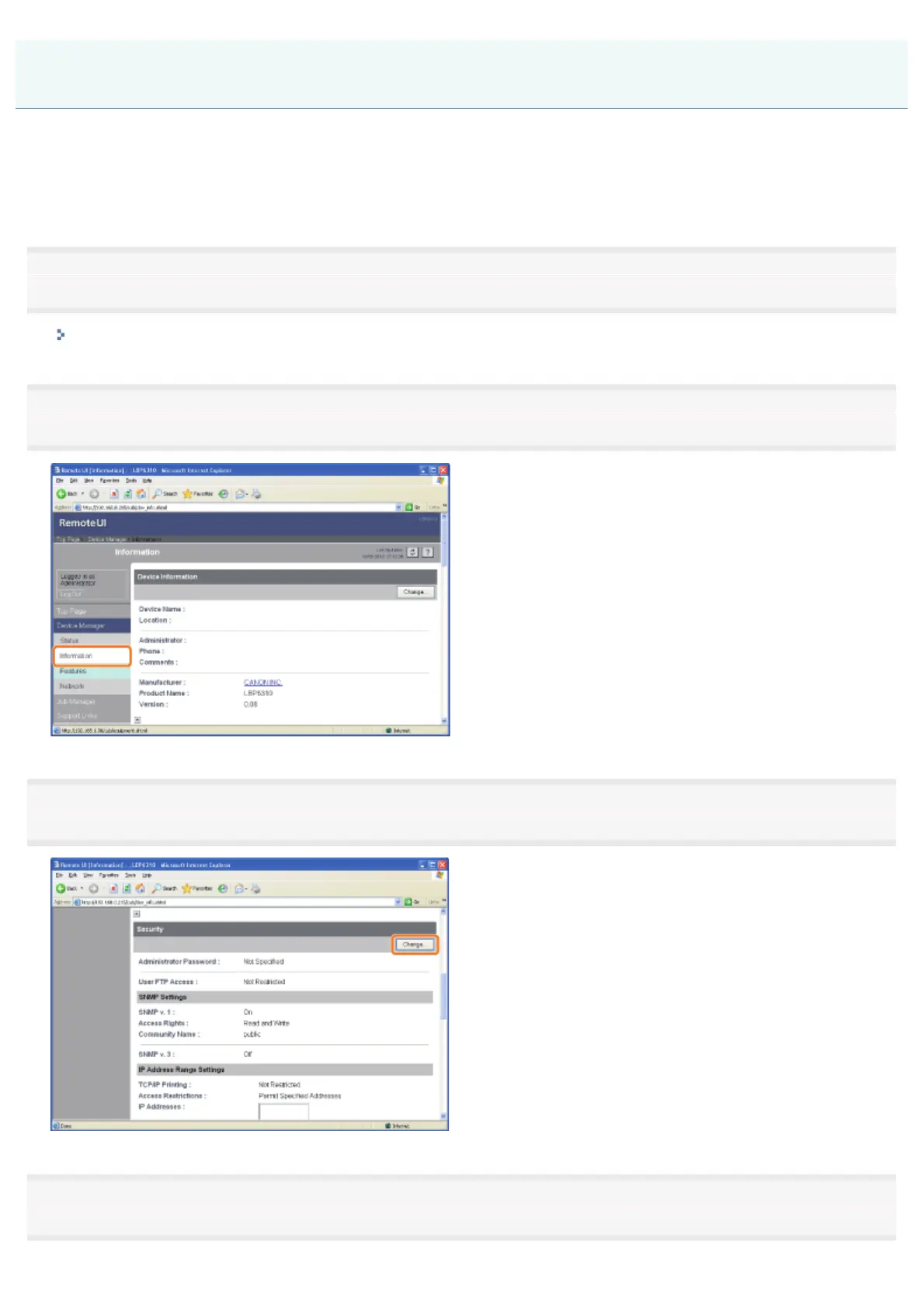
Select [Information] from the [Device Manager] menu.
3
Click [Change] under [Security].
4
Set [Access Logs] to [On].
Obtaining the Security Access Logs
㻟㻢㻜㻌㻛㻌㻠㻡㻞














 To Next Page