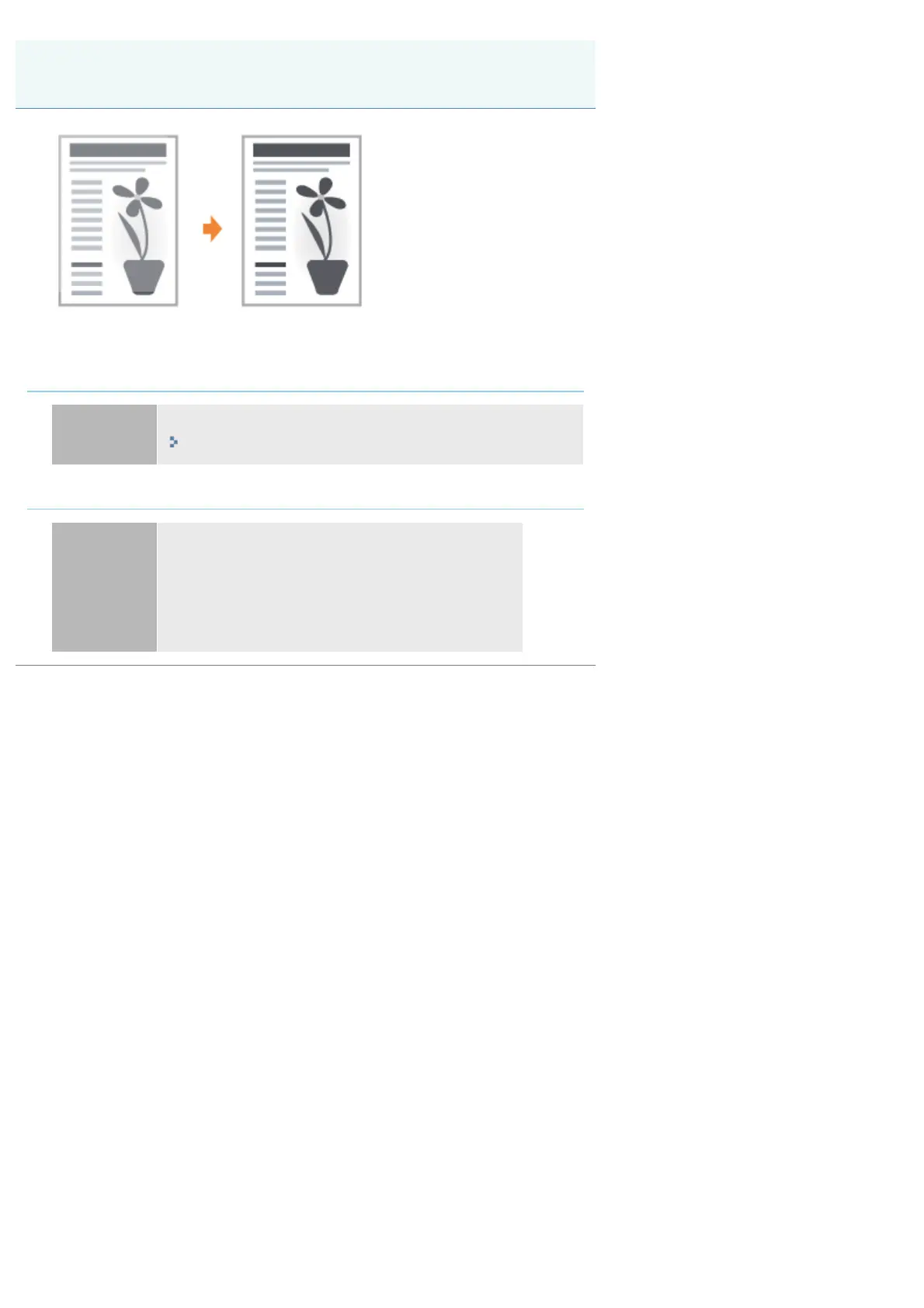
07K5-08W
Perform one of the following solutions according to the cause.
<Cause 1>The setting for [Toner Density] is not appropriate.
Solution
Adjust [Toner Density] in the printer driver to a darker setting.
"Adjusting the Toner Density"
<Cause 2> [Toner Save] is enabled.
Solution
Perform the following procedure in the printer driver.
1. Display the [Quality] sheet.
2. Click [Advanced Settings].
3. Set [Toner Save] to [Off].
The Overall Print Result Is Faint
㻠㻟㻞㻌㻛㻌㻠㻡㻞










 To Next Page