07K5-086
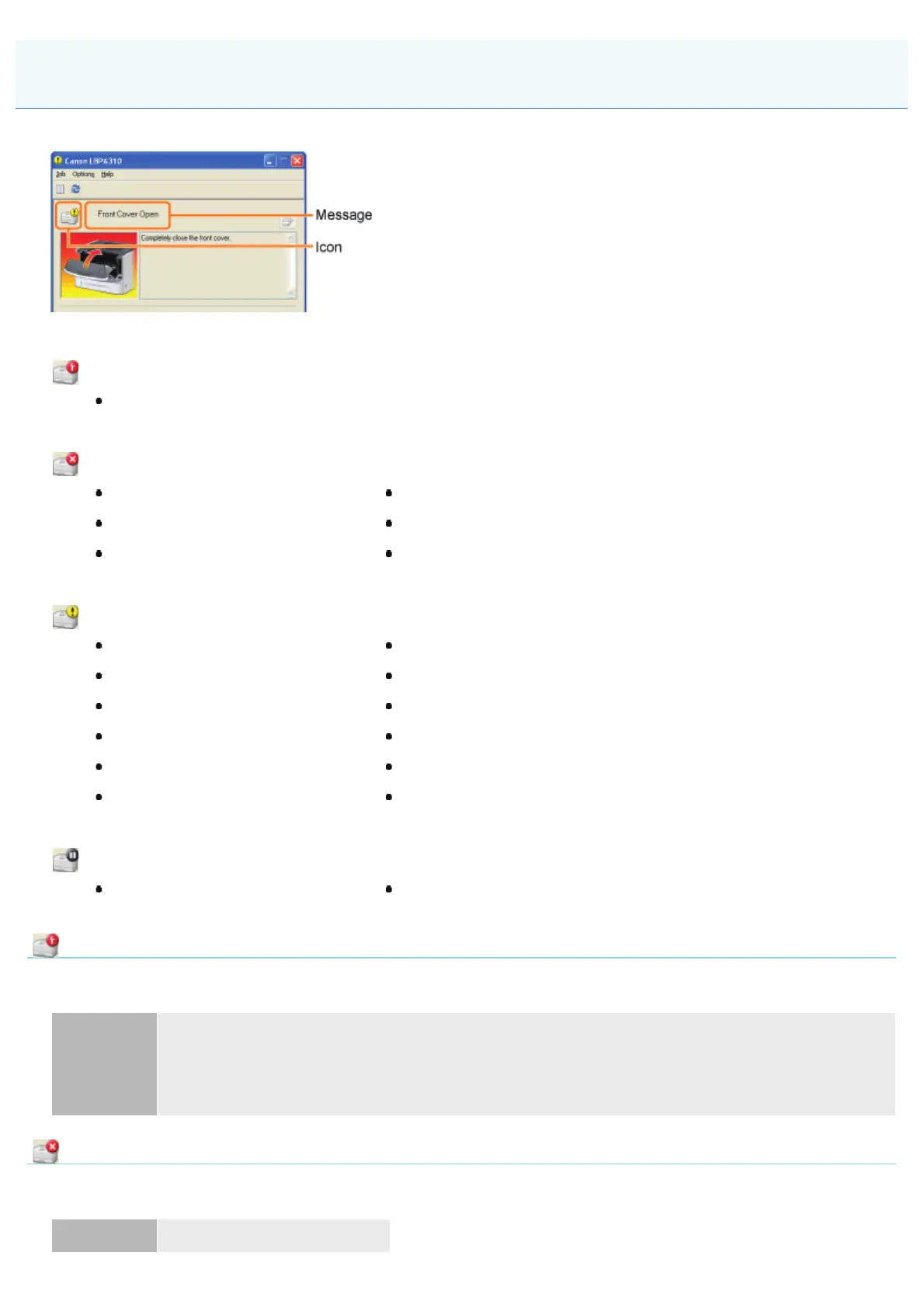
Perform solutions according to the displayed message.
The message type varies depending on the icon.
A service call is occurring.
" Service Error"
Communication cannot be performed with the printer.
" Incompatible Printer"" Network Board Error"
" Cannot Communicate with Server"" Cannot Communicate with Printer"
" Communication Error"" Incorrect Port"
The printer problems need to be corrected.
" Cannot Print"" Output Tray Is Full"
" Could Not Print"" Updating Firmware"
" Check the Printed Output"" Front Cover Open"
" Paper Jam inside Printer"" Insufficient Memory"
" Insufficient Disk Space"" Out of Paper"
" No Toner Cartridge"" Specified Paper Different from Set Paper"
The printer pauses.
" Start Cleaning"" Check the Paper"
Service Error
<Cause> The printer is in an abnormal condition.
Solution
Turn the printer OFF, wait for a while, and then turn it ON again.
If the service error appears even after cycling the power of the printer, turn the printer OFF, and then
contact your local authorized Canon dealer.
When contacting your Canon dealer, please report the displayed error code and problems.
Incompatible Printer
<Cause> The connected printer cannot be used.
Solution Connect to the supported printer.
A Message Appears in the Printer Status Window
㻠㻝㻞㻌㻛㻌㻠㻡㻞














 To Next Page