07K5-05Y
1
Turn the computer on, and then log on to Windows.
2
Display [Windows Explorer].
)URPWKH>6WDUW@PHQXVHOHFW>$OO3URJUDPV@RU>3URJUDPV@ĺ>$FFHVVRULHV@ĺ>:LQGRZV([SORUHU@
3
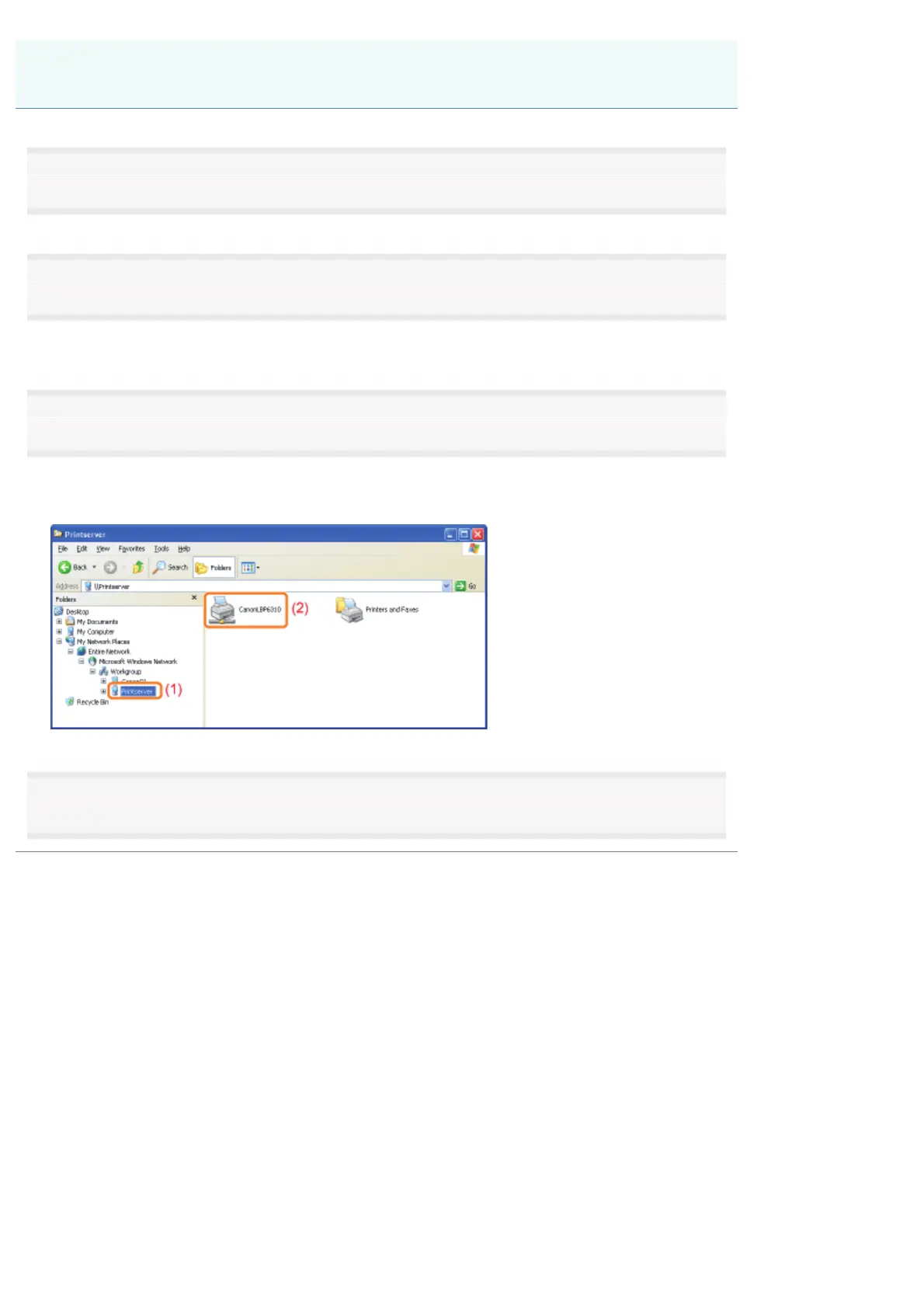
Perform the following procedure.
(1) Select the print server from [My Network Places] or [Network].
(2) Double-click the shared printer icon or drag and drop the icon into the printer folder.
4
Follow the on-screen instructions to install the printer driver.
Installing from [Windows Explorer]
㻟㻜㻝㻌㻛㻌㻠㻡㻞














 To Next Page