07K5-05X
The procedure for installing the printer driver from the printer folder varies depending on your operating system.
See the following according to your operating system.
Windows Vista, 7, and Server 2008
Windows XP and Server 2003
Windows Vista, 7, and Server 2008
1
Turn the computer on, and then log on to Windows.
2
Open the printer folder.
"Basic Operations/Various Information for Windows"
3
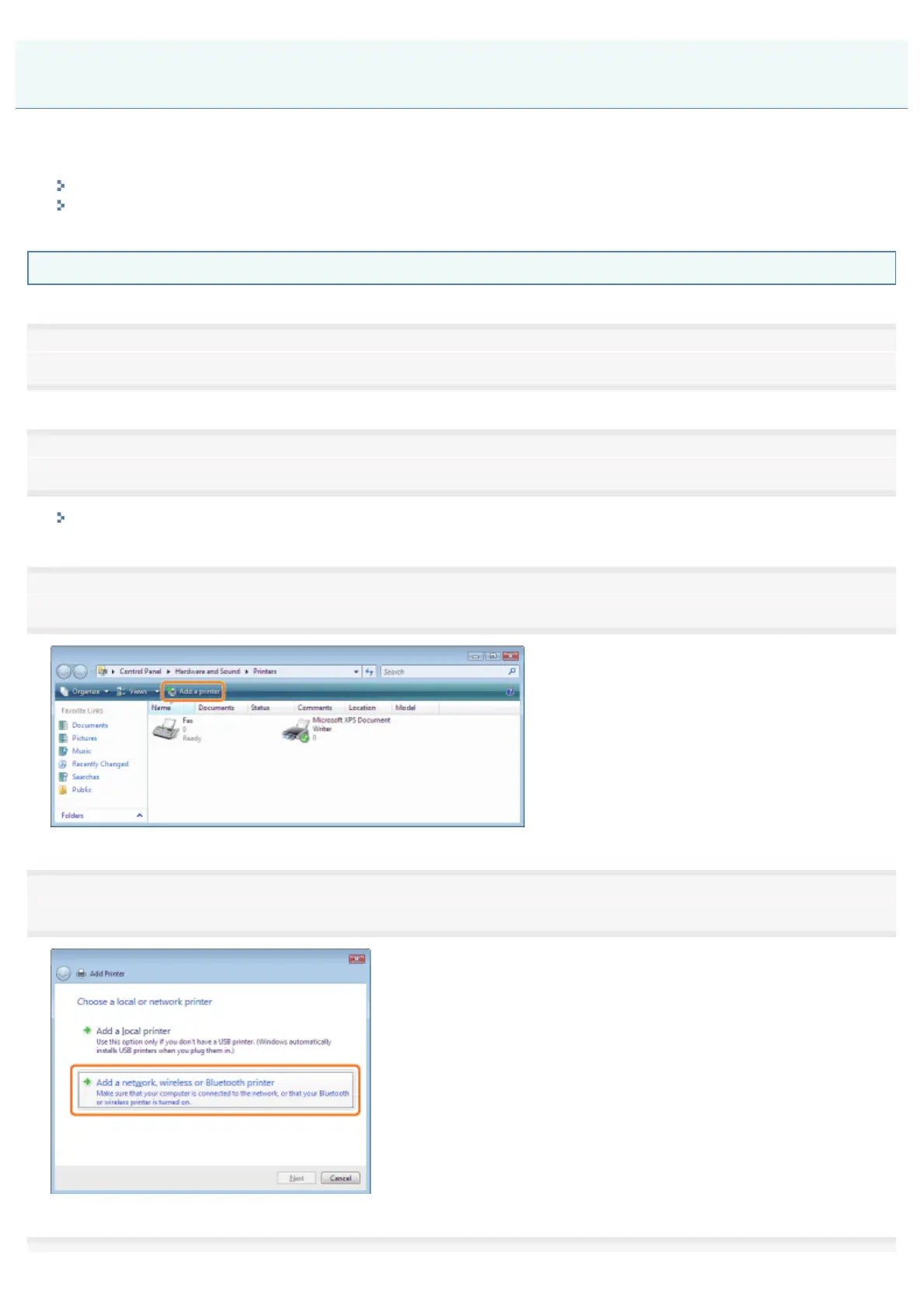
Click [Add a printer].
4
Click [Add a network, wireless or Bluetooth printer].
Installing from the Printer Folder
㻞㻥㻡㻌㻛㻌㻠㻡㻞














 To Next Page