07K5-06E
Procedure for Running NetSpot Device Installer
You can run NetSpot Device Installer in either of the following two ways.
Running the Installed NetSpot Device Installer
Running NetSpot Device Installer Directly from the Supplied CD-ROM
Running the Installed NetSpot Device Installer
1
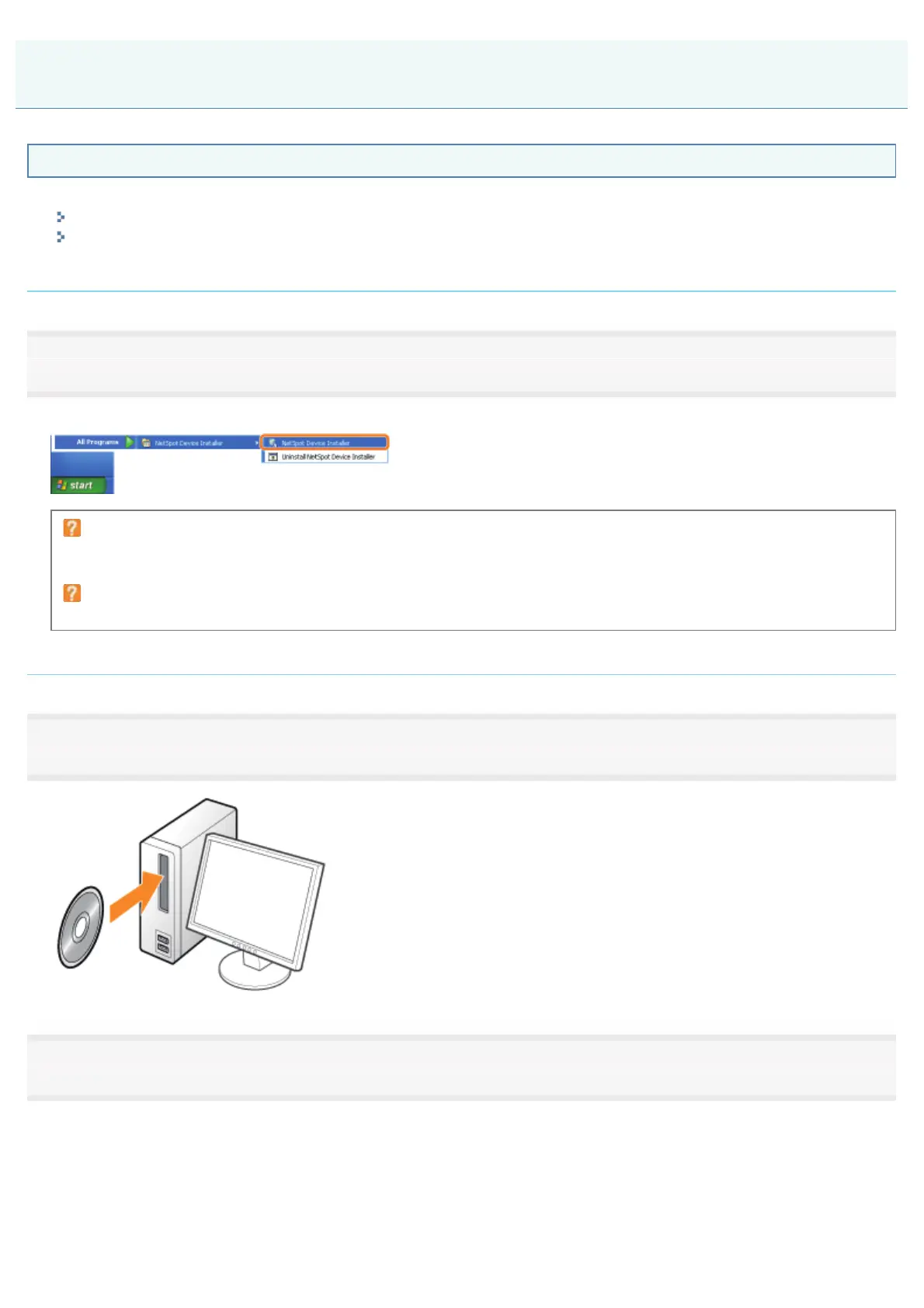
Run NetSpot Device Installer.
)URPWKH>6WDUW@PHQXVHOHFW>$OO3URJUDPV@RU>3URJUDPV@ĺ>1HW6SRW'HYLFH,QVWDOOHU@ĺ>1HW6SRW'HYLFH,QVWDOOHU@
If NetSpot Device Installer is not found in the [Start] menu
Double-click [nsdi.exe] in the folder in which NetSpot Device Installer is installed.
If the [User Account Control] dialog box appears
Click [Continue] or [Yes].
Running NetSpot Device Installer Directly from the Supplied CD-ROM
1
Insert the supplied CD-ROM "User Software" into the CD-ROM drive of your computer.
2
Click [Additional Software Programs].
Using NetSpot Device Installer
㻟㻞㻥㻌㻛㻌㻠㻡㻞














 To Next Page