If the above screen does not appear
"Basic Operations/Various Information for Windows"
If the [AutoPlay] dialog box appears
Click [Run AUTORUN.EXE].
If the [User Account Control] dialog box appears
Click [Continue] or [Yes].
3
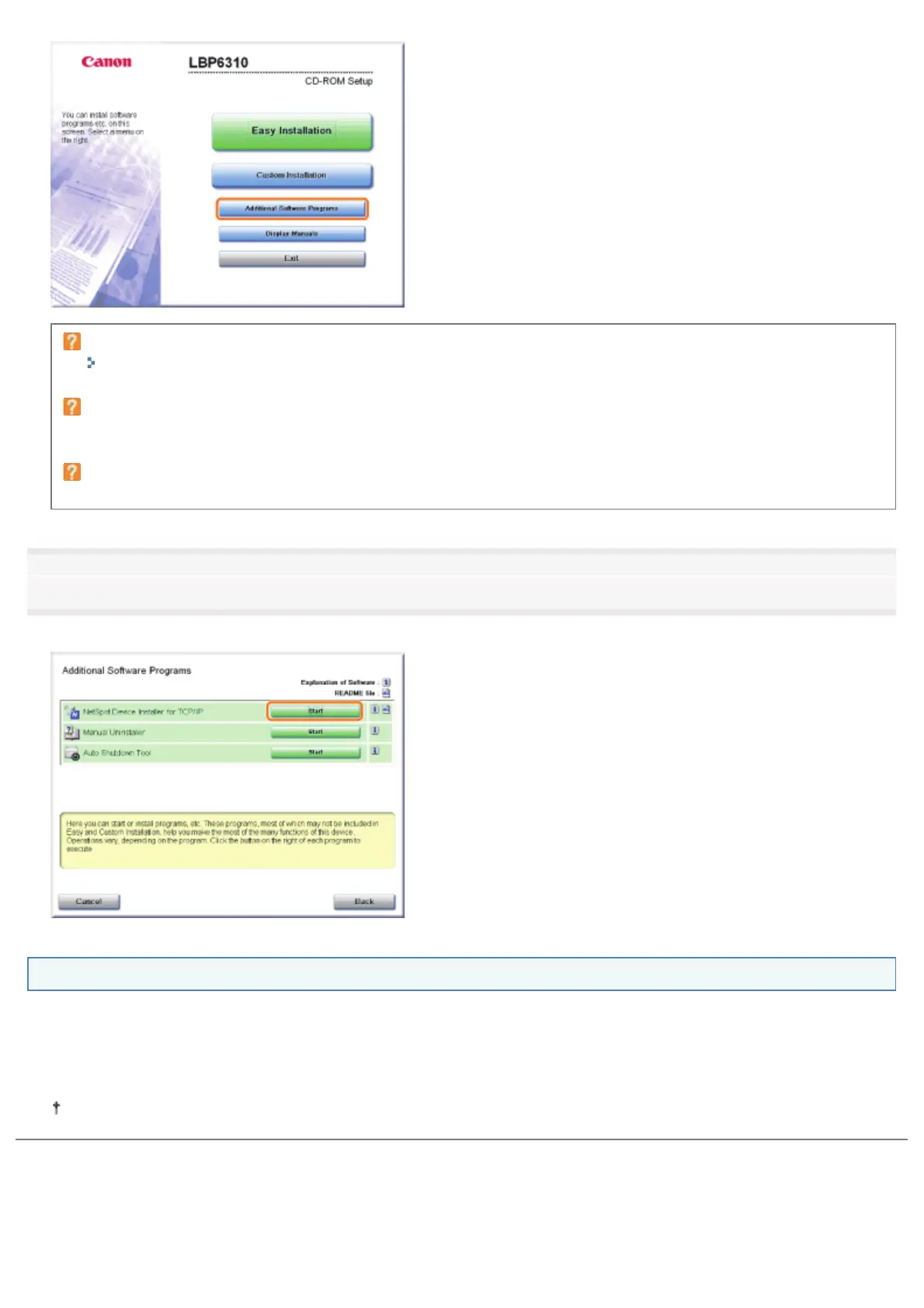
Click [Start] for [NetSpot Device Installer for TCP/IP].
If [License Agreement] appears, read the contents, and then click [Yes].
How to use NetSpot Device Installer
NetSpot Device Installer allows you to configure the basic protocol settings and display the statuses of various printers on a
network.
For details on the procedure for setting the IP address, see "Setting the IP Address Using NetSpot Device Installer."
For more details on the other usage, see Help.
Help is displayed by clicking [Help] in the [Help] menu.
㻟㻟㻜㻌㻛㻌㻠㻡㻞














 To Next Page