07K5-06H
You can check/delete the job currently being printed or check print logs using the Remote UI.
You can also delete the job currently being printed using a method other than the Remote UI.
"Canceling a Job"
Before managing print jobs, see "Attention (Job Manager)."
Checking/Deleting the Job Currently Being Printed
1
Start the Remote UI.
"Starting the Remote UI"
2
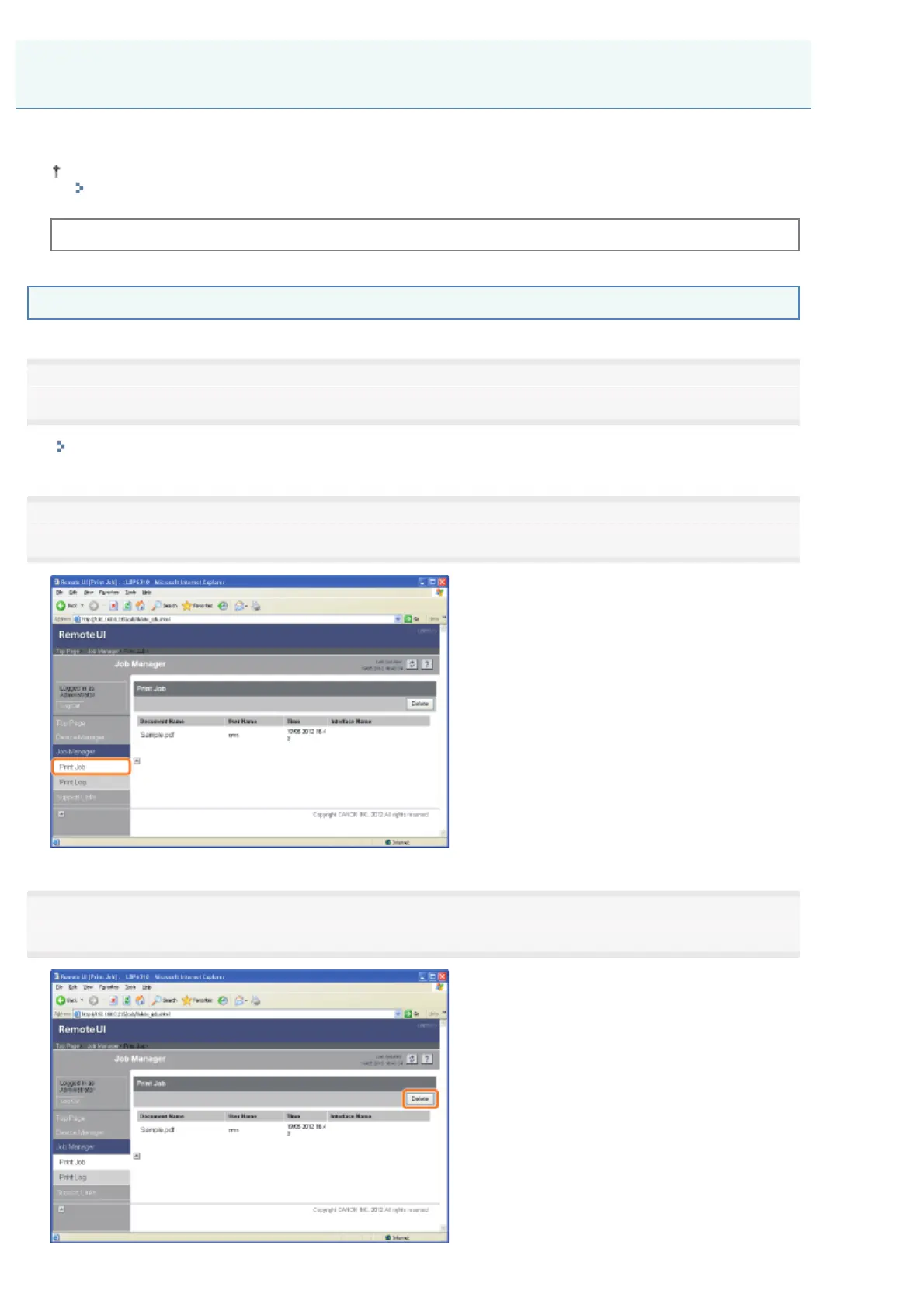
From the [Job Manager] menu, select [Print Job] to display the job currently being printed.
3
If you want to delete the job, click [Delete].
Managing Print Jobs
㻟㻟㻞㻌㻛㻌㻠㻡㻞














 To Next Page