07K5-099
Displaying [My Computer] or [Computer]
Displaying the CD-ROM Top Page
Checking the IP Address Using the PING Command
Checking the Processor Version of Windows Vista, 7, or Server 2008
Printing a Test Page in Windows
Checking the Bi-directional Communication
Displaying the Printer Folder
Checking Printers in the Print Server
Checking the Port
Setting for [Device Type] when Setting a Port
Displaying [My Computer] or [Computer]
From the [Start] menu, select [My Computer].
From the [Start] menu, select [Computer].
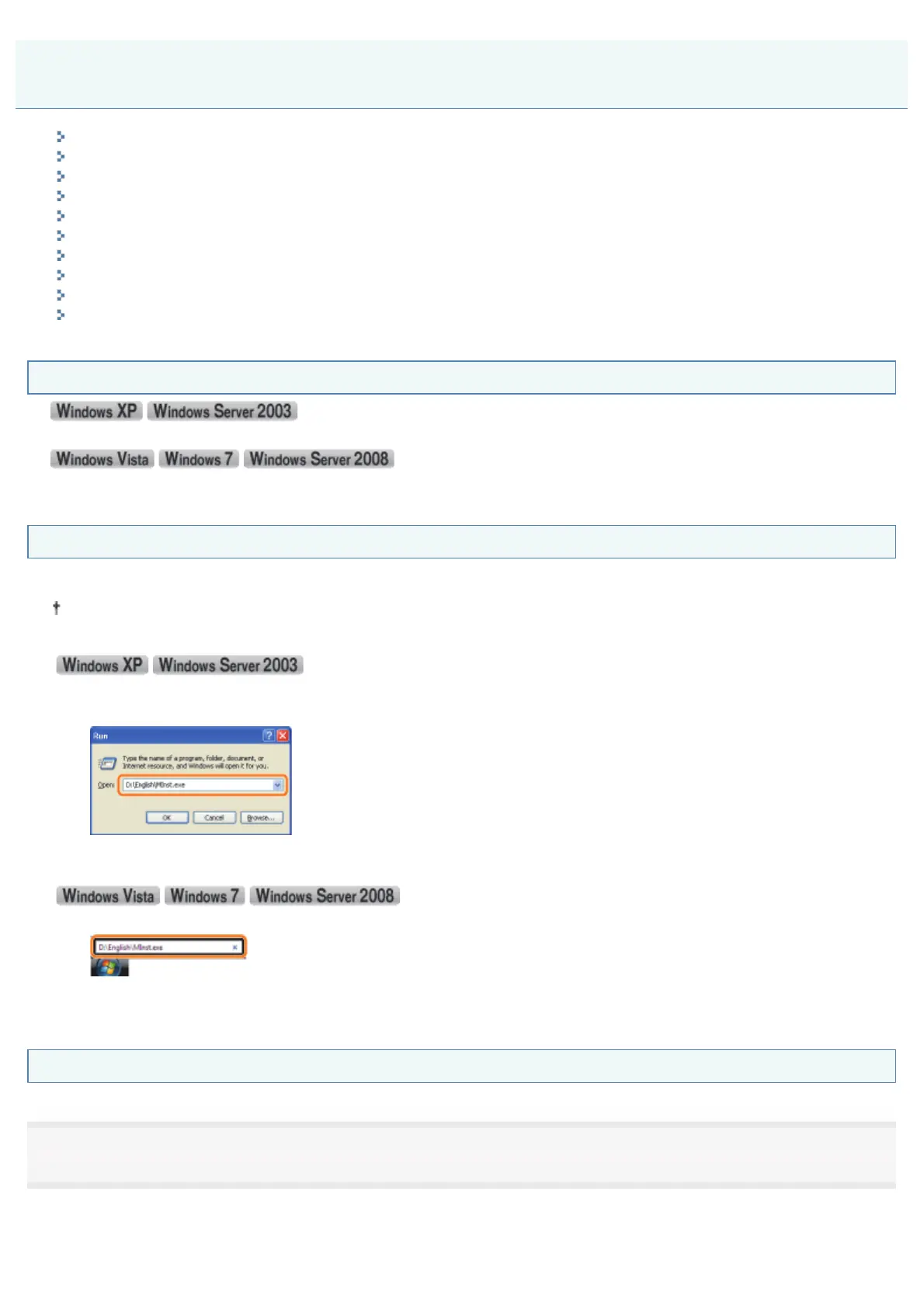
Displaying the CD-ROM Top Page
If the CD-ROM top page does not appear even after inserting the CD-ROM, perform the following procedure.
The CD-ROM drive name is indicated as "D:" in this manual. The CD-ROM drive name may differ depending on the
computer you are using.
1. From the [Start] menu, select [Run].
2. Enter "D:\English\MInst.exe."
3. Click [OK].
1. Enter "D:\English\MInst.exe" in [Start Search] or [Search programs and files] under the [Start] menu.
2. Press the [ENTER] key on the keyboard.
Checking the IP Address Using the PING Command
1
Run Command Prompt.
)URPWKH>6WDUW@PHQXVHOHFW>$OO3URJUDPV@RU>3URJUDPV@ĺ>$FFHVVRULHV@ĺ>&RPPDQG3URPSW@
Basic Operations/Various Information for Windows
㻠㻠㻠㻌㻛㻌㻠㻡㻞














 To Next Page